Operation SeaKing & SeaPrince Imaging Sonars
0374-SOM-00001, Issue: 08 21 © Tritech International Ltd.
2. Screen Capture Screen to AVI or save screen to Bitmap/Tiff.
3. Exit Used to exit program.
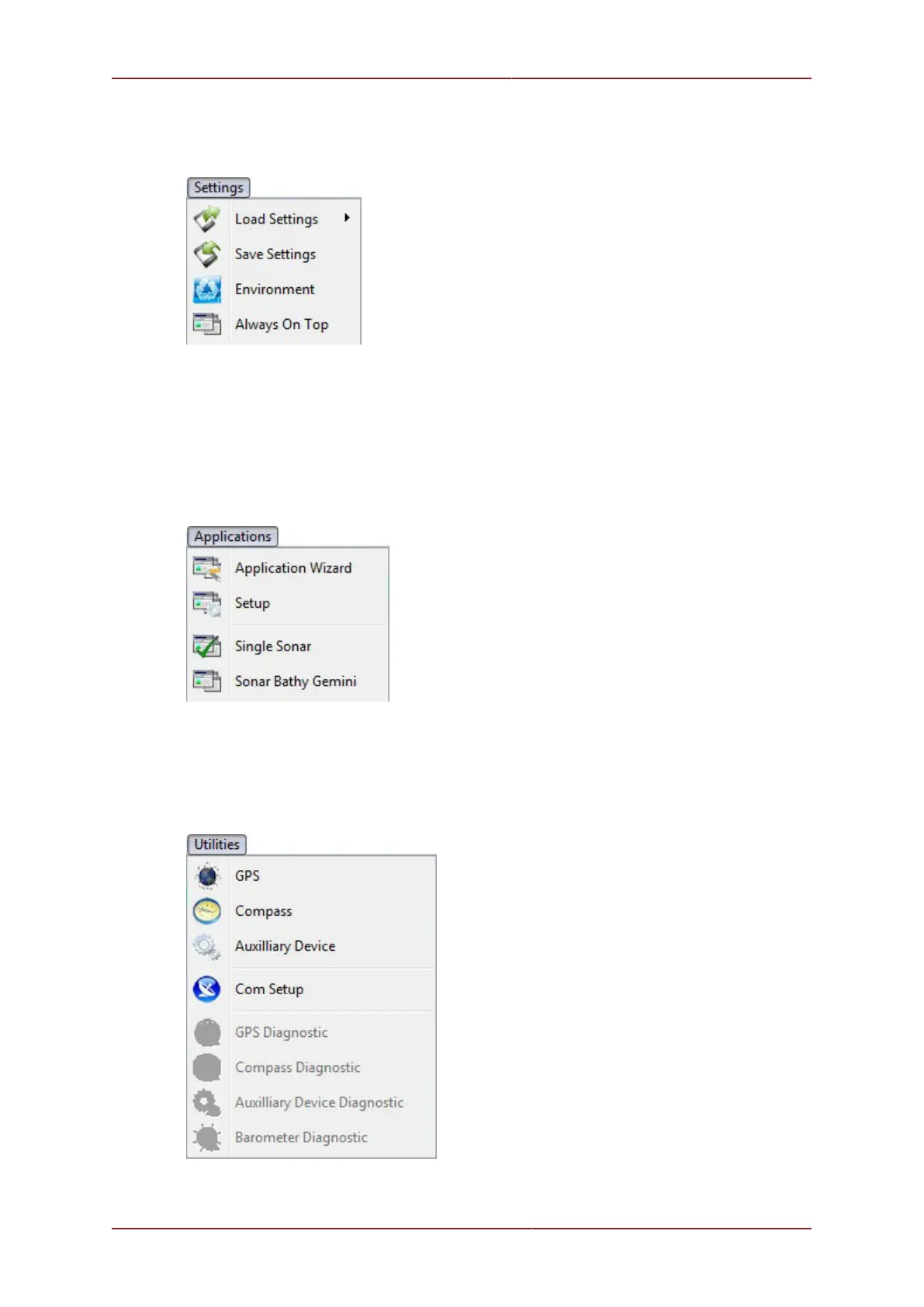
Figure 5.4.
1. Load/Save Settings Save and Load the current display and device settings (up to 8
can be saved).
2. Environment Used to enter environmental parameters such as system Velocity Of
Sound.
3. Always On Top Main Screen is Always on Top of Windows desktop.
Figure 5.5.
This Menu Item will only be present in Seanet Pro and not from running Seanet Setup from
the desktop icon. Application examples include Single Sonar, Sonar Profiler and
Sonar Bathy Profiler. There is also an Application Wizard available at the top of
the list which can be used to create user applications for required device combinations.
Figure 5.6.


 To Next Page