Operation SeaKing & SeaPrince Imaging Sonars
0374-SOM-00001, Issue: 08 24 © Tritech International Ltd.
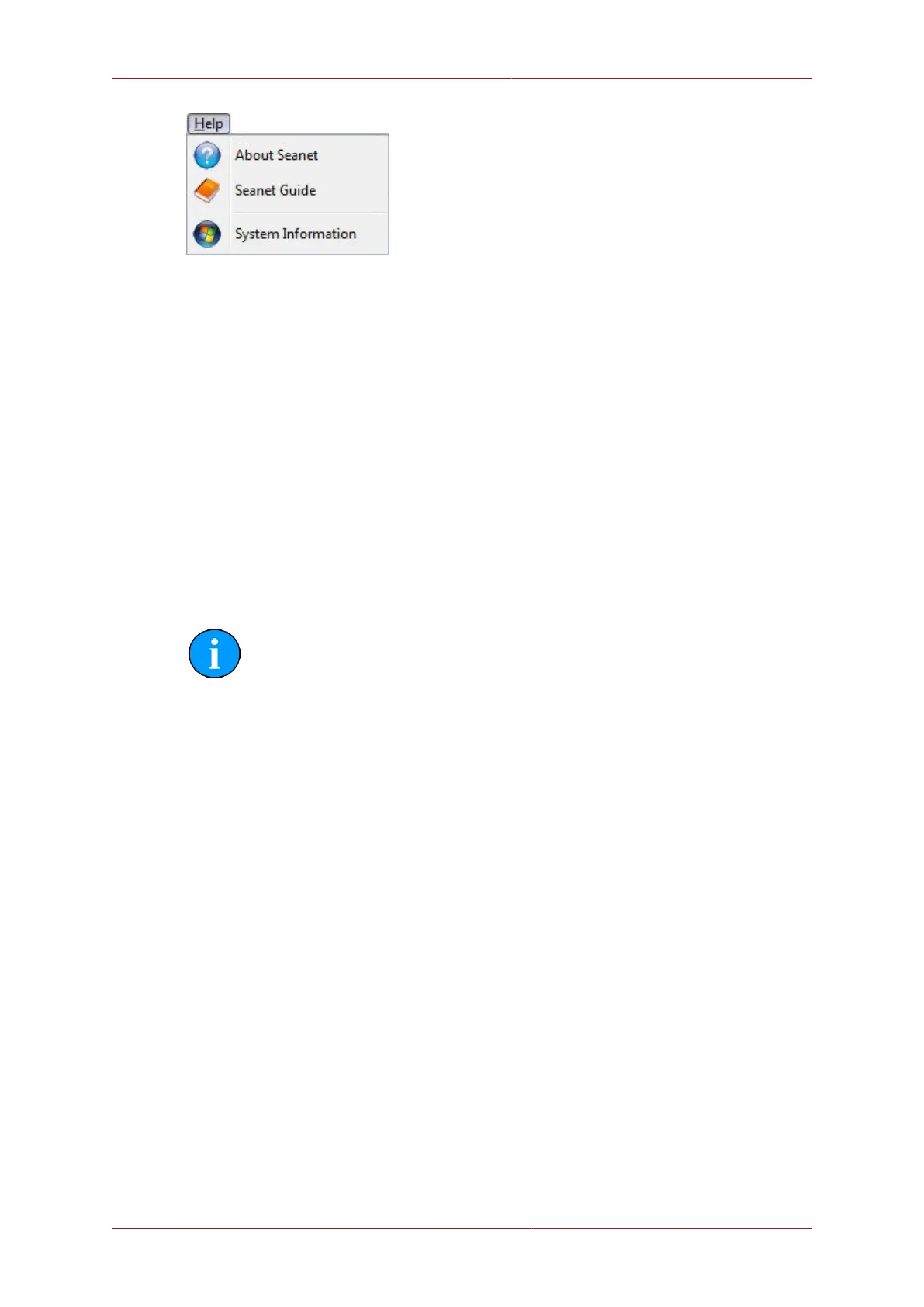
Figure 5.13.
1. About Seanet Gives details of program and version number.
2. Seanet Guide Seanet Help file.
3. System Information Gives information of computer resources in use.
5.2.4. Measurement Tool
By left button clicking and dragging on the Sonar display window (or Acoustic Zoom window)
an elastic band is laid for range and position measuring of targets.
Dx, Dy = Cartesian co-ordinates of current pointer position relative to Sonar.
Rng, Brg = Polar position of pointer relative to where elastic band was laid.
Note
The range units used are those selected in the Setup menu.


 To Next Page