SWITCHES
AND CONTROLS
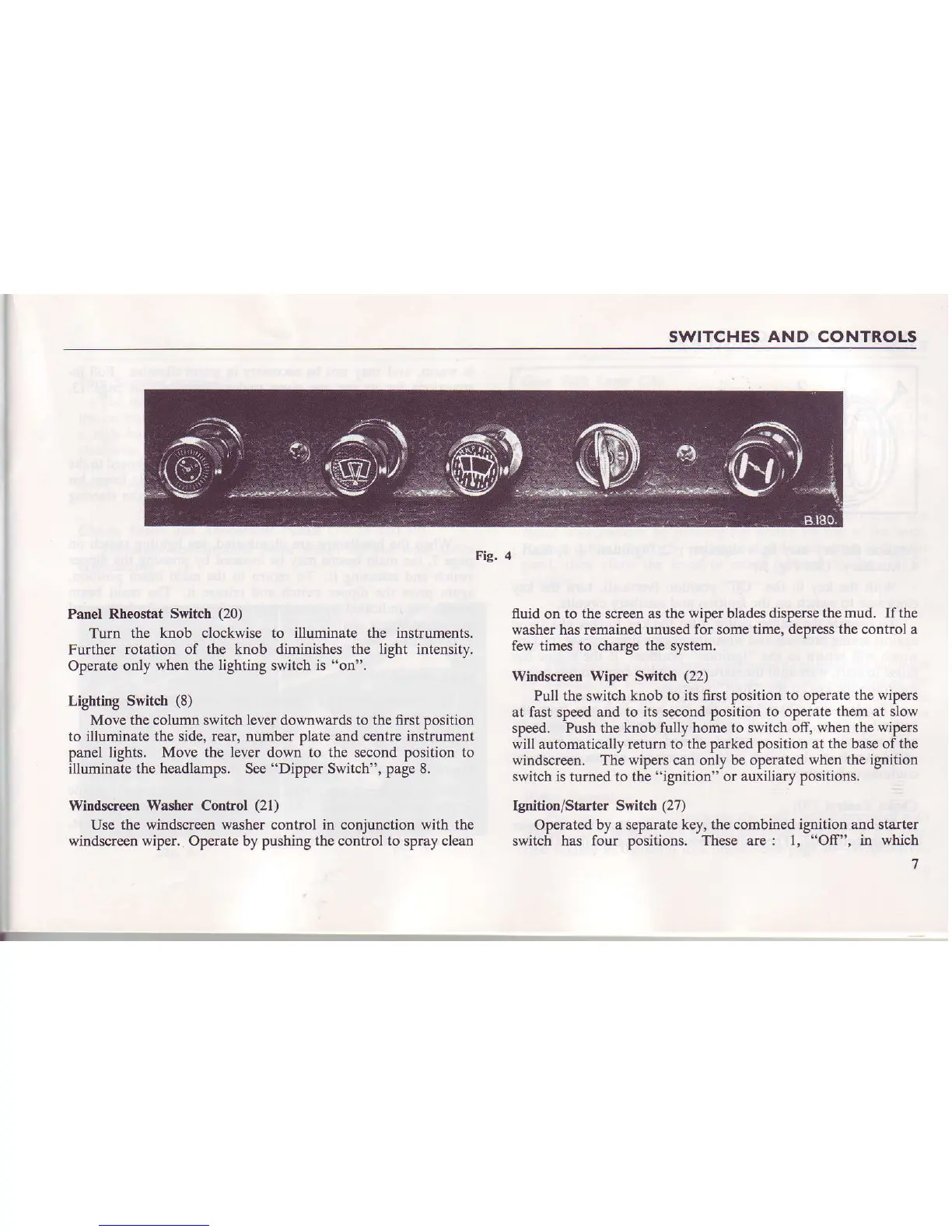
Fig. 4
Panel R.heostat
Switch
(20)
Turn the knob clockwise to illuminate the
instruments.
Futher rotation
of the knob
diminishes
the light intensitv.
Operate
only when
the lighting
switch is
"on".
Lighting Switch
(8)
Move the column switch
lever
downwards to the fust Dosition
to illuminate
the side, rear, number plate and centre instrument
panel
lights. Move the lever down to the s€cond position to
illuminate the headlamps. See
"Dipper
Switch", page 8.
Witrdsq€en
Washer
Control
(21)
Use the
windscreen washer cootrol in coniunction with the
windscreen
wiper.
Operate by pushing the conirol to spray clean
fluid
on
to the screen as the wiper blades dispers€
the mud. If the
washer has remained unused for some
time, depress the control a
few times to charge
the
system.
Windsqeen Wiper Switch
(22)
Pull the switch knob to its first position
to operate the wipers
at fast speed and to
its
second
position to operate them at slow
speed.
Push the knob fully home to switch off, when
the wipers
will automatically return to the parked
position at the base of the
windscreen. The wipers can only be
operated when the ignition
switch is
turned to
the
"ignition"
or auxiliary positions,
Ignition/Starter Switcb (27)
Op€rated
by a separate key, the combined ignition and stalter
switch has
four positions. These are: l,
"Off",
in
which


 To Next Page