Enable a Mix Calibration
To enable a displayed mix calibration, press the
corresponding numeric key. The gauge enables the mix
calibration and returns to the Setup menu.
New Mix Calibration
To determine a new mix calibration or to manually enter the
slope and intercept values, press
〈5〉 on the menu shown on
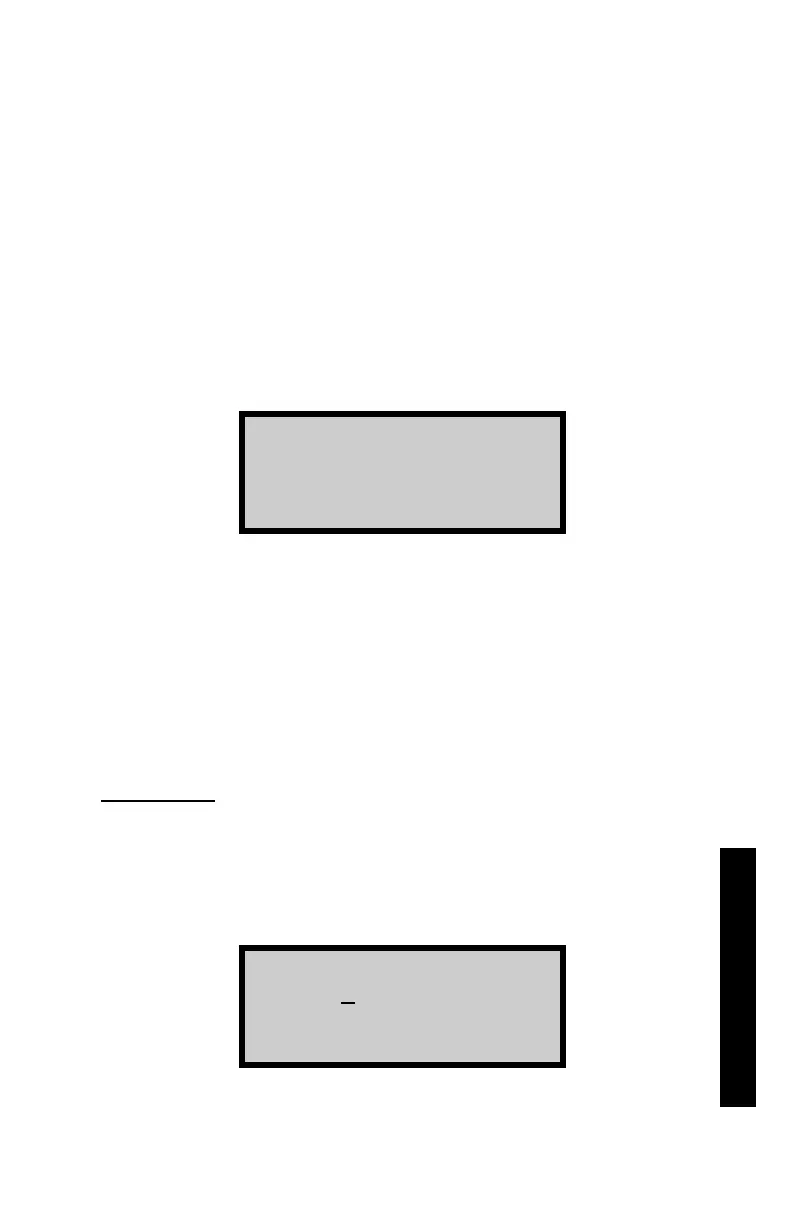
page 3–6. The gauge displays:
To determine a new mix calibration based on gauge
measurements and values determined by an alternate
method, press
〈1〉 to access the Data Pairs function. To enter
slope and intercept values manually, press
〈2〉 to access the
Slope/Intercept function. These functions are described in the
following sections.
Data Pairs
To determine a new mix calibration based on gauge
measurements and values determined by an alternate
method, press
〈1〉 at the Entry Method menu shown above.
The gauge displays:
1.
Dat a Pai r s
2.
Sl ope/ I nt er cept
0. 0 pcf
Pr ess <ENTER>



 To Next Page