Printing Project Data
The Print function within the Project menu allows the
operator to print project data stored in the gauge to a
printer at the correct speed, ensuring that all the data is
included in the hard copy.
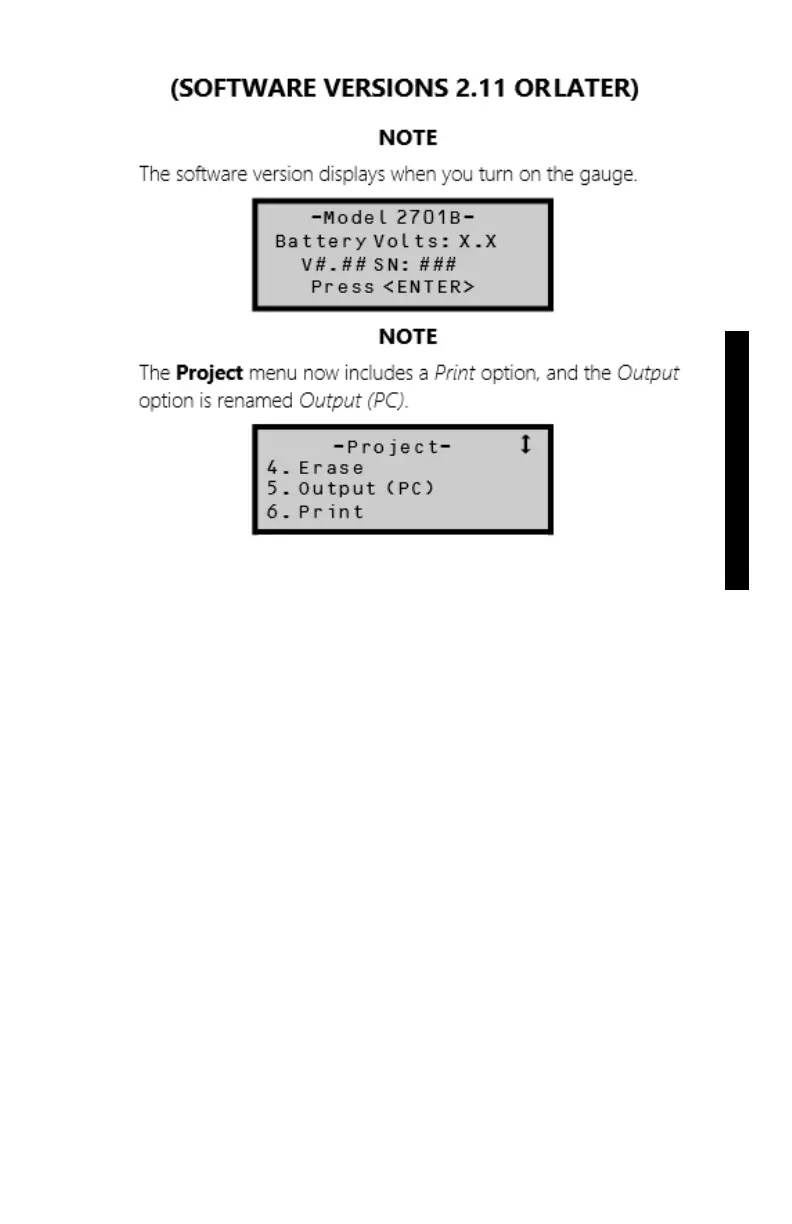
To print project data, press 〈6〉 at the Project menu
shown on page 5-2. The gauge displays the Output
menu shown on page 5- 7.
NOTE
From the Output menu, the steps to take are the same
as those to upload project data stored in the gauge to
a computer. Go to step 4 on page 5-7.



 To Next Page