2-8 AEROTRAK™ Portable Airborne Particle Counter
The printer has a feed and stop button as well as an
LED indicating that the printer is ready. The feed button can be
held down at the end of a print to allow enough space to tear off the
paper. If you unintentionally start a print (especially something very
long), you can stop printing with the stop
button.
Using Peripherals
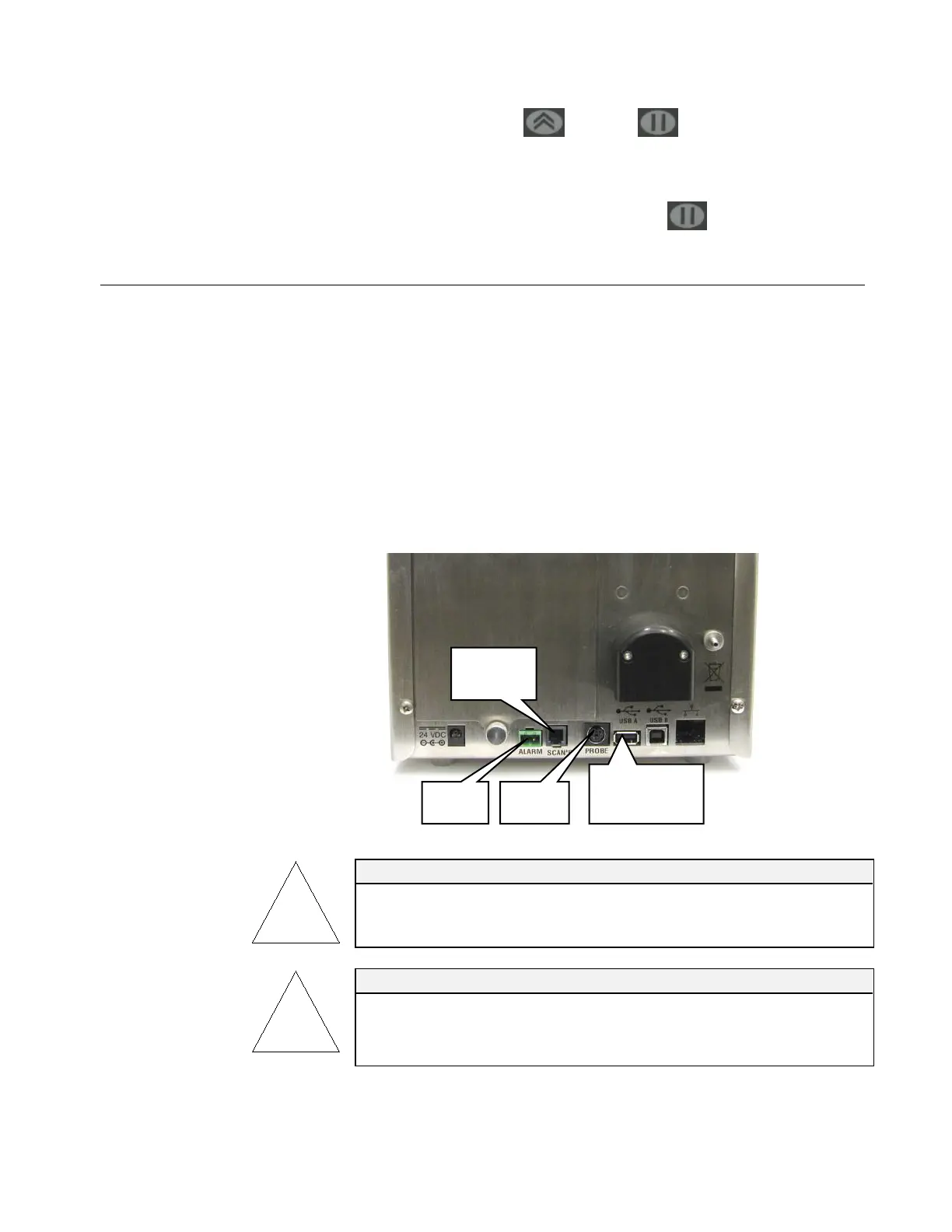
Connecting to the Alarm Closure
This connector provides two pins for a contact closure to control
an external alarm. The contact closure is normally open and rated
for 0 to 60 V AC/DC at 1.5A peak, 0.5A continuous. The “alarm
out” connection is rated for 60 VDC insulation. The contact is
closed under alarm conditions determined by the programming of
the device. When used with an externally powered device, this can
trigger a visual or audible local alarm (such as a light pole).
WARNING
The monitor Alarm Output function should not be used to detect
hazardous conditions or to provide an alarm for protecting human life,
health, or safety.
Caution
The alarm switch must not be wired to AC power! Failure to properly
install the user alarm could damage the instrument and/or void the
instrument warranty! Please read and follow all instructions before wiring
or operating the user alarm.
Alarm
Filter
Probe
USB A
(Flash Drive)













 To Next Page