3-1
CHAPTER 3
Operation
The AEROTRAK™ Portable Airborne Particle Counter is controlled
using a touch screen display. Use the plastic stylus or your finger
tip. DO NOT use sharp objects (such as a pen point) that may
damage the screen overlay.
To turn on the instrument, press the power switch
. After a
splash screen displays the TSI logo, a brief start-up sequence
begins as the Windows
®
CE operating system boots up.
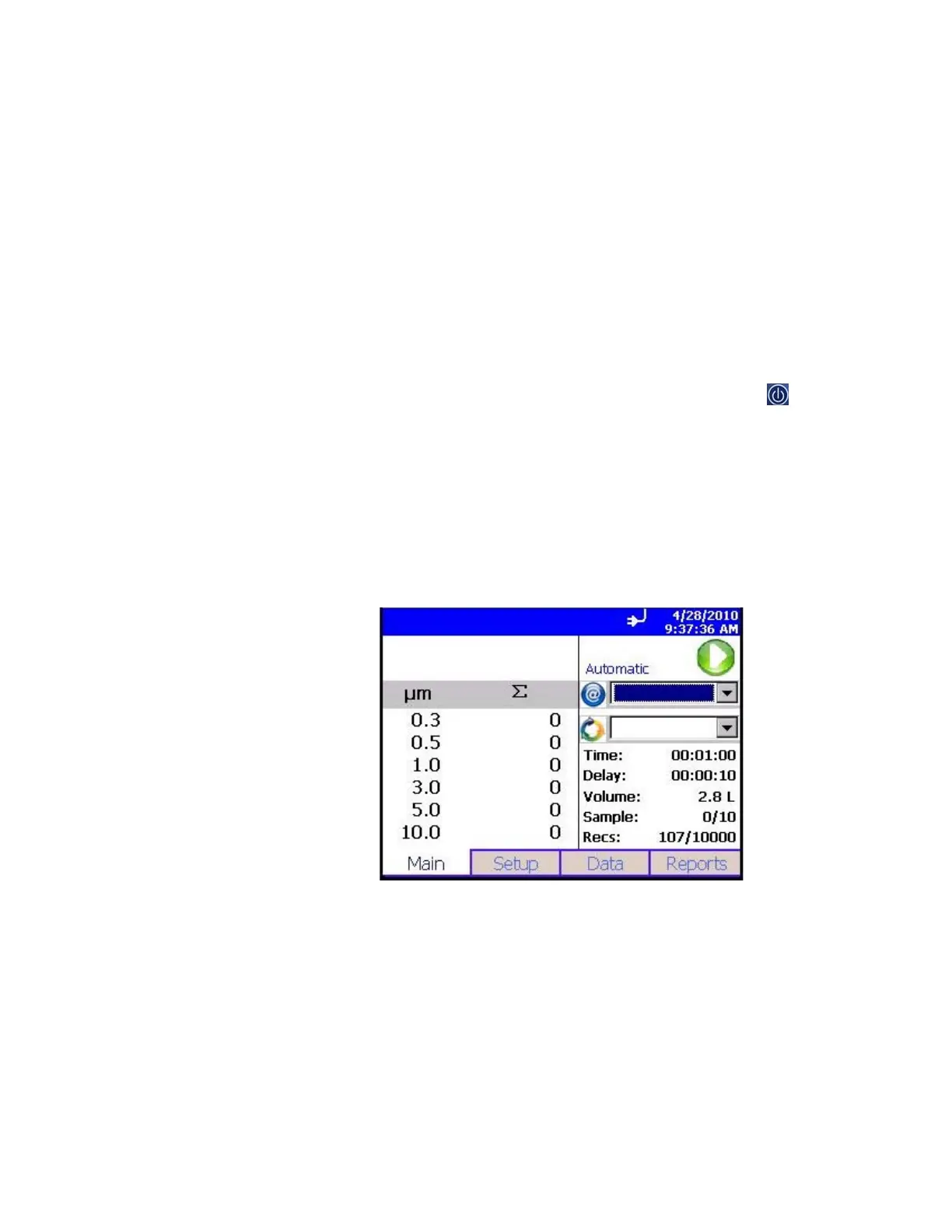
The instrument is ready for operation when the main tab (shown
below) appears. If an optional temperature/humidity probe is
attached, those values will be shown in the upper-left white
area also.
The printer icon will come on when sampling is started.













 To Next Page