Getting Started 2-7
Using the Integral Thermal Printer
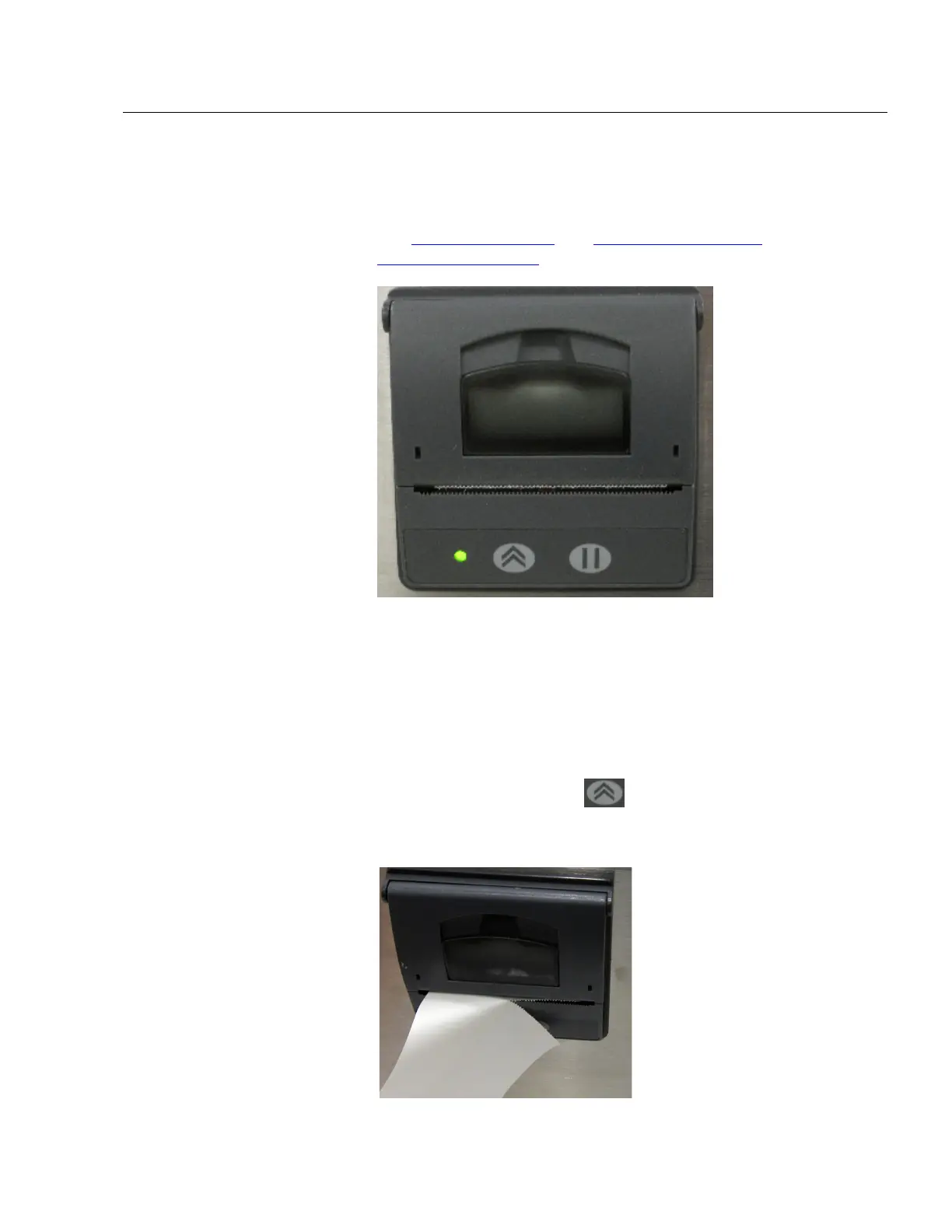
The side-mounted integral thermal printer is standard on most
models to print manually, automatically after each test is
completed, or whenever the alarm function is activated
(see Print Setup Screen
and Print Schedule Screen on the
System Setup Screen
).
Printer paper has a colored strip printed on the last few feet of
each roll to indicate time to change the paper roll.
When installing a new roll of paper, the tag end should be from
the bottom of the roll and pulled through the printer door.
The printer has an LED indicating that the printer is ready.
There is also a feed button
to allow a manual feed of the
paper before tearing it off. To tear off, pull steadily down on the
paper from one side of the serrated edge to the other.













 To Next Page