Operation 3-29
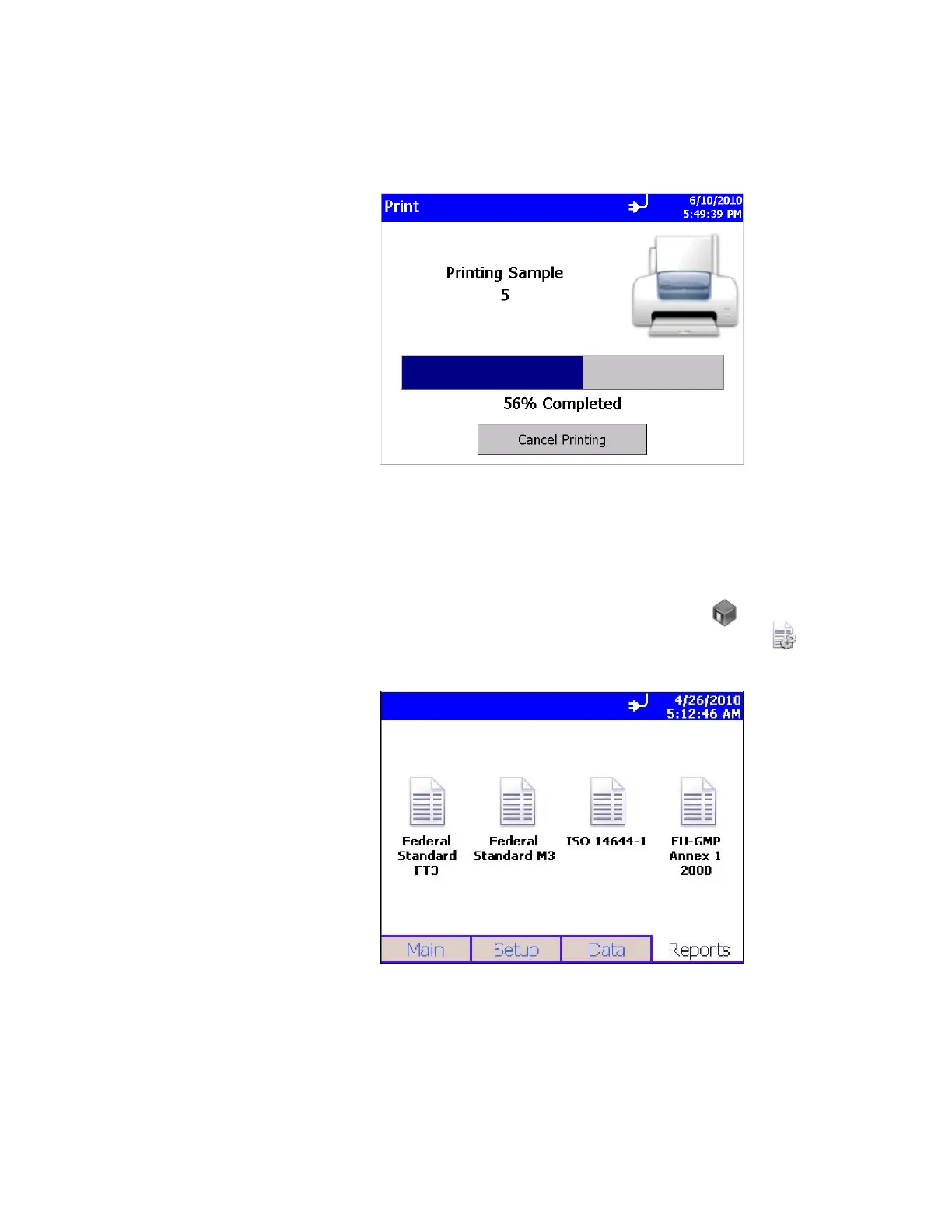
The print data screen will show progress on the current selected
range of sample data to be printed. Press the Cancel Printing
button to cancel the rest of the print job.
You will have a chance to preview the printout before actually
printing to paper.
Reports Tab
Use this screen to select various standard reports for viewing
and printing. Use the Room Definition icon to view or change
specific values for the room, and the Generate icon to
generate reports for viewing or printing.













 To Next Page