Operation 3-27
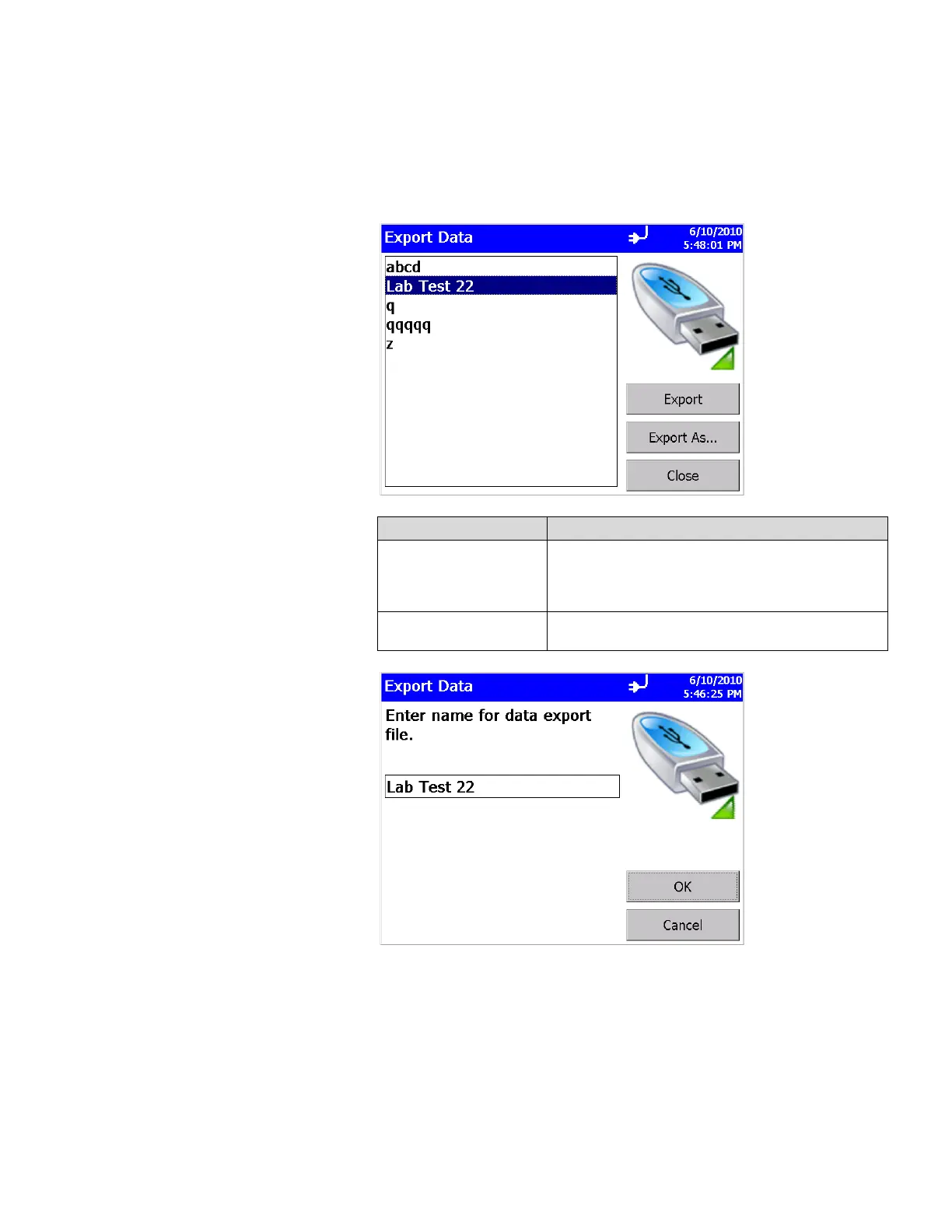
Export Data Screen
The export button lets you export sample data to a flash drive.
You will be able to select the name of the file and range of data
to export.
Field Description
Export
If you select a name in the box (highlighted), the data
is exported to the selected file name (no dialog pops
up asking for a file name). If no name is selected
(highlighted), then you are asked for a file name.
Export As
Always asks for a file name to which the data will
be saved.













 To Next Page