Operation 3-33
Generate Screens
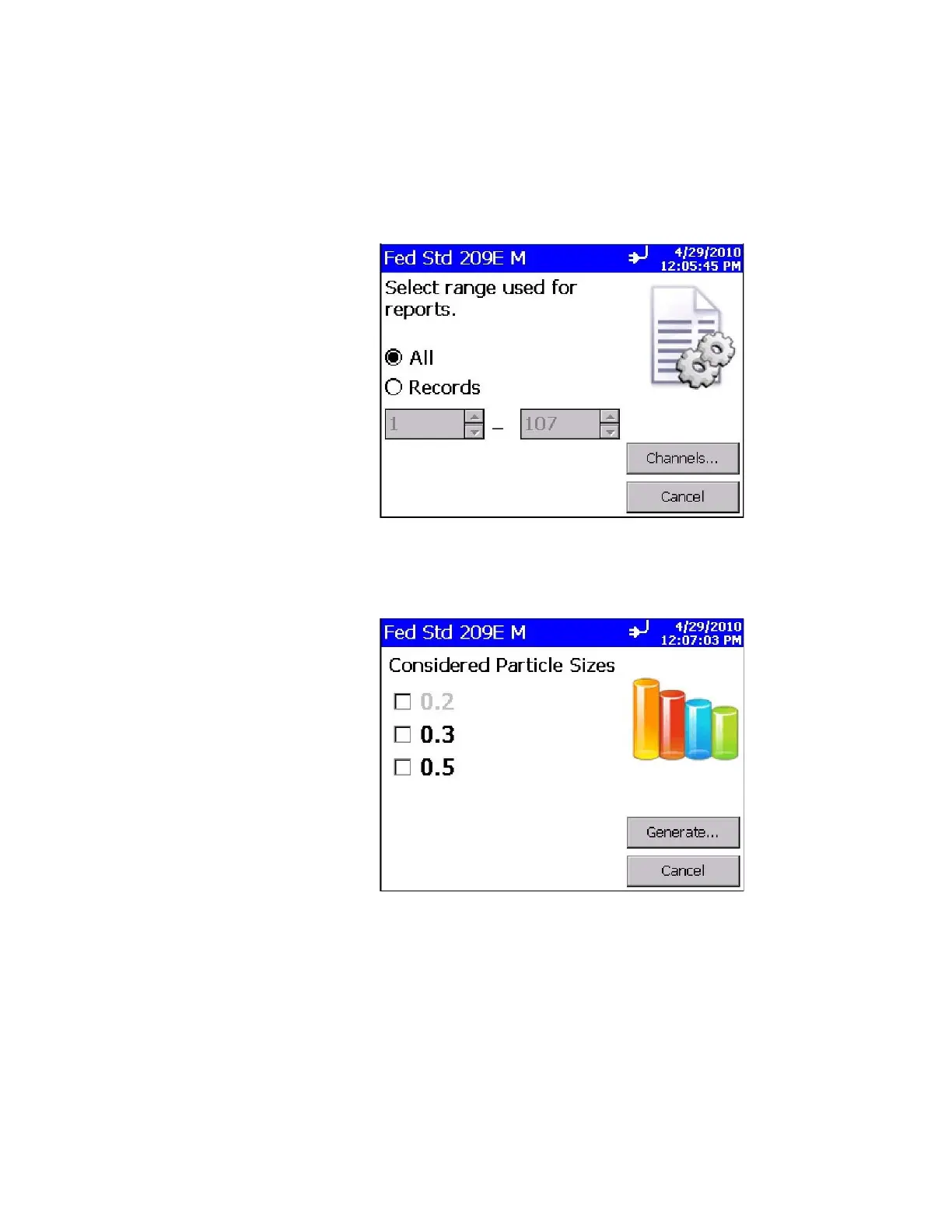
When you press the Generate icon from any of the report screen,
the following screen is displayed to let you select either all records
or a range of records to generate the report. After selecting the
desired records, press the Channels… button.
After you select Channels…, the following screen is displayed.
Select the channels (particle sizes) to include in the report and
then press Generate…













 To Next Page