PCM30U, PCM30U-OCH – User's, Operating and Maintenance Manual
E.1.14 Trouble shooting
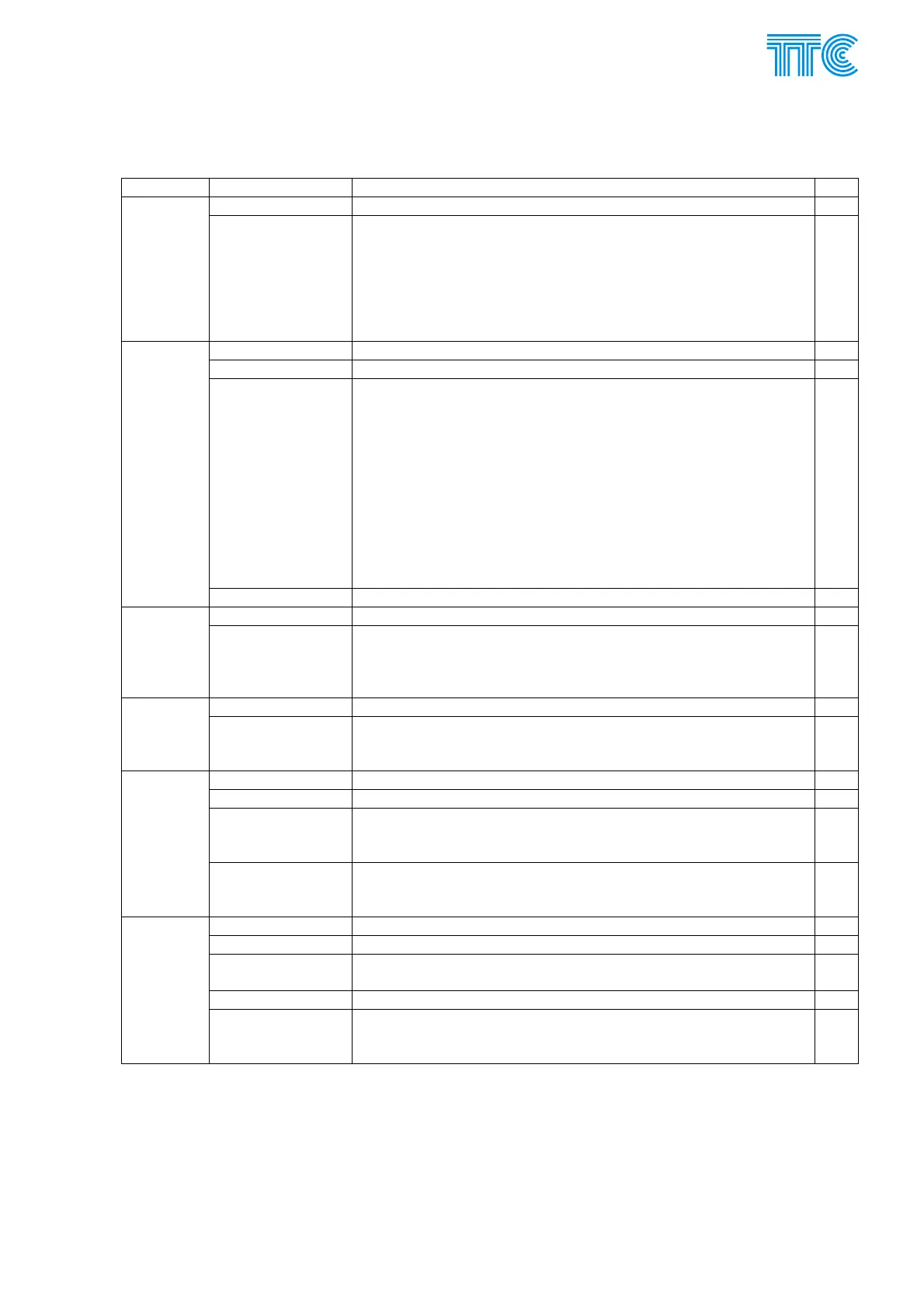
LED Status Meaning note
Green Equipment operational, feeding OK PWR
Off 1. Check power supply NP107,PBS requires –48 V DC,
+5 V DC
2. Check program memory if correctly installed (after
upgrading FW)
3. Check if PBS correctly installed (after removing)
4. Replace PBS
5. Call service
*1)
Off Operational state
Off - expect Red Check if “time to assert alarm” is not longer then error conditions
Red
1. Check 2 Mbps stream (CJAB must be green)
2. Check PBS identification (Doris will show urgent alarm
“Identification mismatch”)
3. Check PBS number of used timeslots (commons settings
is 2) and time slot arrangement (common is interlaced)
4. Check originating timeslot (must be the same as in
opposite unit, when cross-connect not used)
5. Check opposite PBS
6. Be sure, that cross-connect is OK
7. Replace PBS
8. Call service
*1)
ERR
Red - flashing Reconfigure unit. Fill all configuration cards in Doris and “set all”
Orange Test in progress. Test may be initiated from opposite unit TEST
Orange - flashing Test not successfully completed. Press shortly TEST button to
acknowledge “test fail”. Search IN and OUT led‘s for flashing
ones, to see where test failed. Check routing commands a
membership in groups (A, B) at this and opposite PBS‘s
Off Operational state LM
Green Active communication at LM interface. Disconnect cable. Active
LM communication disables communication with Doris at M
interface
Yellow Input signal has been recognized as a active command
Yellow - expect Off Check prolongation if not to long
Yellow – flashing
quickly
When TEST Yellow – Test failed at this command.
Command not successfully transmitted. Check cross-connect.
Try test.
IN 1÷10
Off - expect Yellow 1. Check voltage in station
2. Check voltage configuration jumpers
3. Check time filtering if not longer then commands
Yellow Command active
Yellow - expect Off Check Kvit
Yellow – flashing
quickly
When TEST Yellow – Test failed at this command.
Off - expect Yellow Check limiting at output
OUT 1÷10
Opposite then you
expect
1. When ERR is Red, PBS may remember pre-error state or
return to idle.
2. Check AND and OR function at inputs.
Power Channel Modules E-27 446S037.914.14N00



 To Next Page