2. For safety
8 00 8811 17, 08/18 (Rev. 6.0)
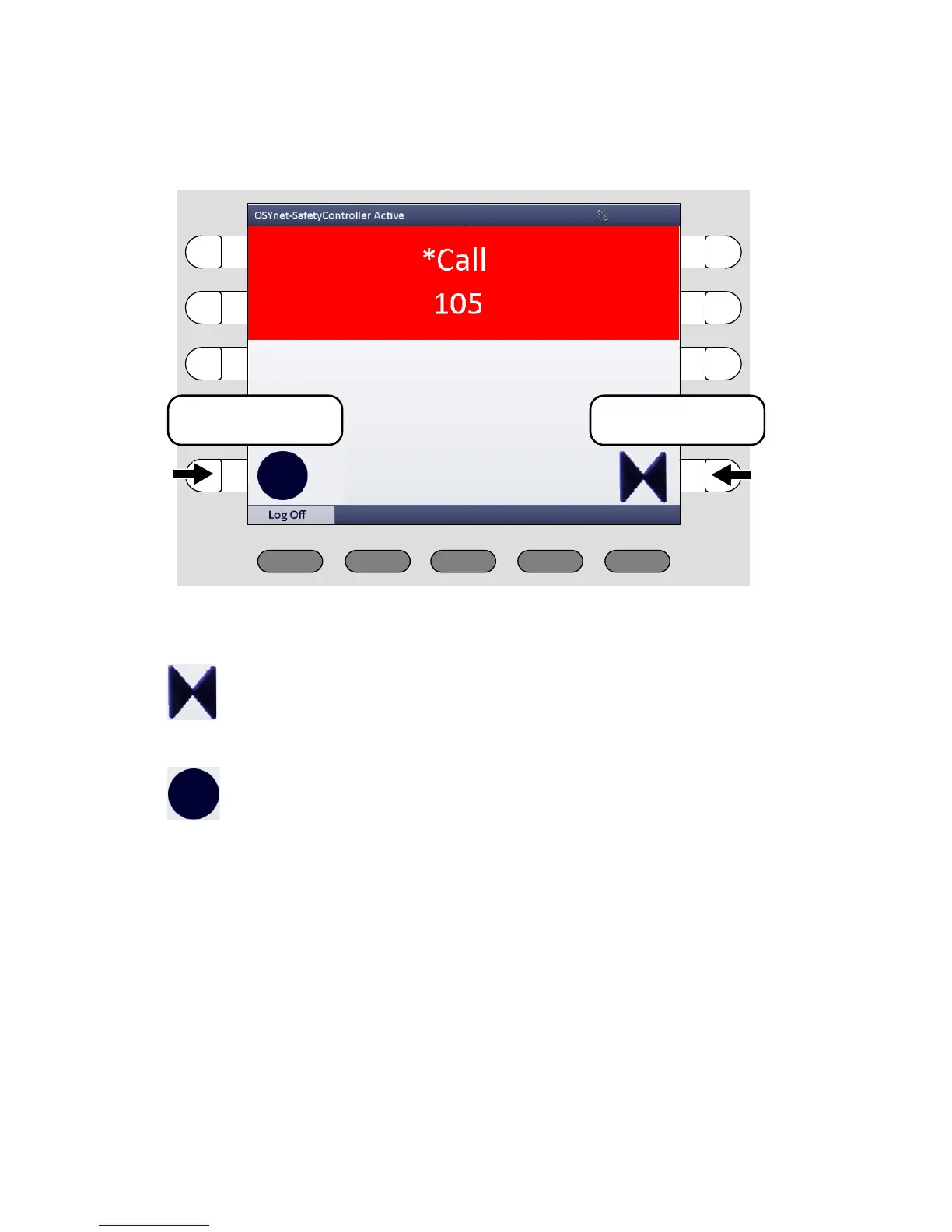
The speech connection to the call location is established. The window
looks as follows:
To speak to the caller, use the handset or the hands-free facility.
The speech connection is closed. Care for the caller.
For closing the speech connection without cancelling the call
press the select button with the double arrow symbol.
If it is a call with the call type „Call“ and you want to cancel it
directly, press the select button with the circle symbol.



 To Next Page