10. Activating a shift
52 00 8811 17, 08/18 (Rev. 6.0)
10.1 Activating a shift
This is how you activate a shift:
1. Press „Program“ > „Shift“.
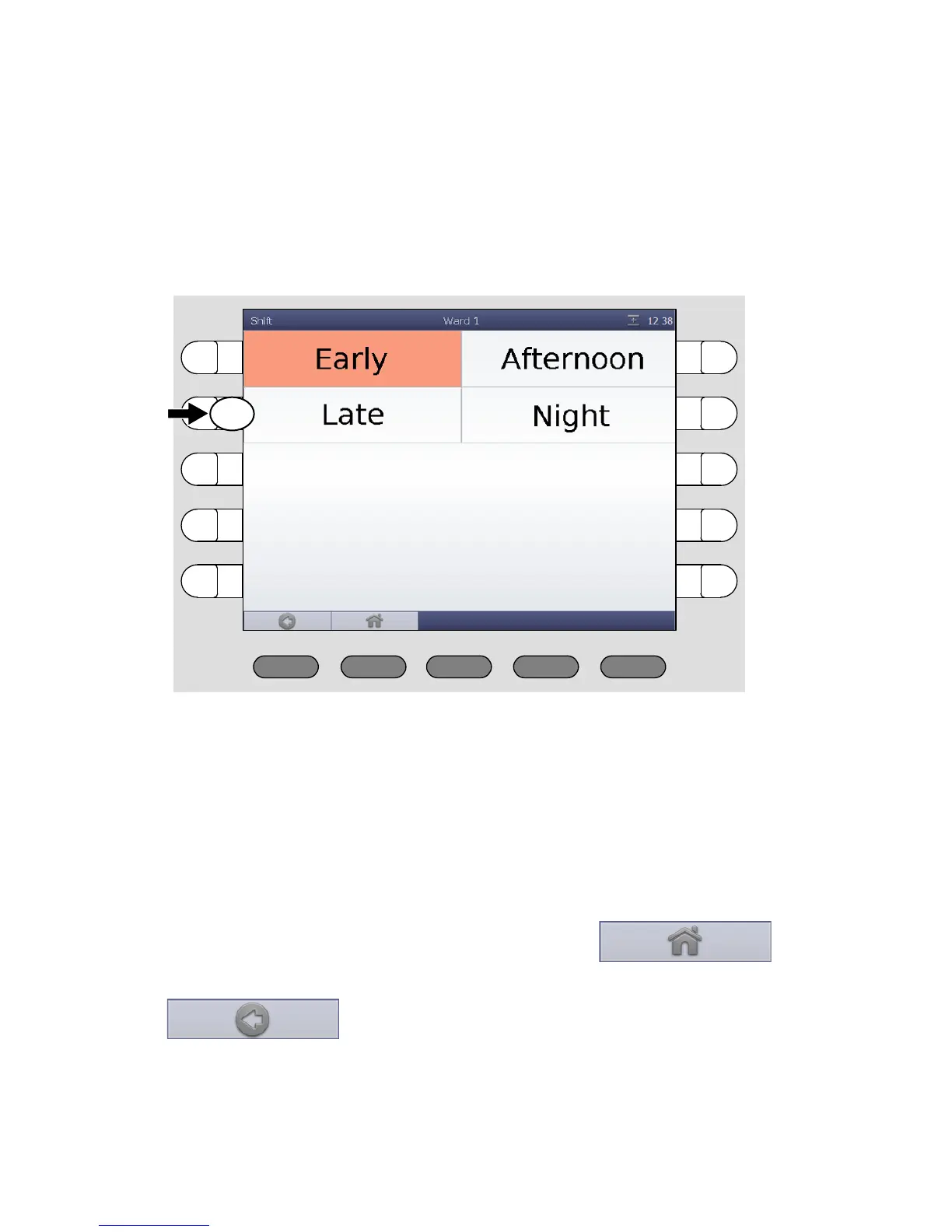
The shifts which can be activated for your ward are displayed:
If a shift is active, it is marked in orange.
2. If a shift is marked in orange, press its select button.
The shift is no longer marked in orange, thus inactive.
3. Press the select button of the shift that you wish to activate.
The shift is marked in orange, thus active.
4. To return to the main window press the button:
(If you want to return to the previous menu level, press the button:
).



 To Next Page