11. Changing default settings
58 00 8811 17, 08/18 (Rev. 6.0)
11.2 Changing default privacy setting
From other consoles, a speech connection can be established to your Com-
Station
BUS-C
to talk to you, see chapter 8.4 "Receiving a call" on page 45 and
chapter 8.3 "Calling the ManagementCenter" on page 42.
With the factory setting of the ComStation
BUS-C
you can be heard directly by
the staff on the other end, i.e. the privacy function is deactivated. You can
change this default setting so that first the privacy function is switched on.
Only when you have deactivated the privacy through the push of a button you
can be heard by the staff on the other end.
This is how you proceed:
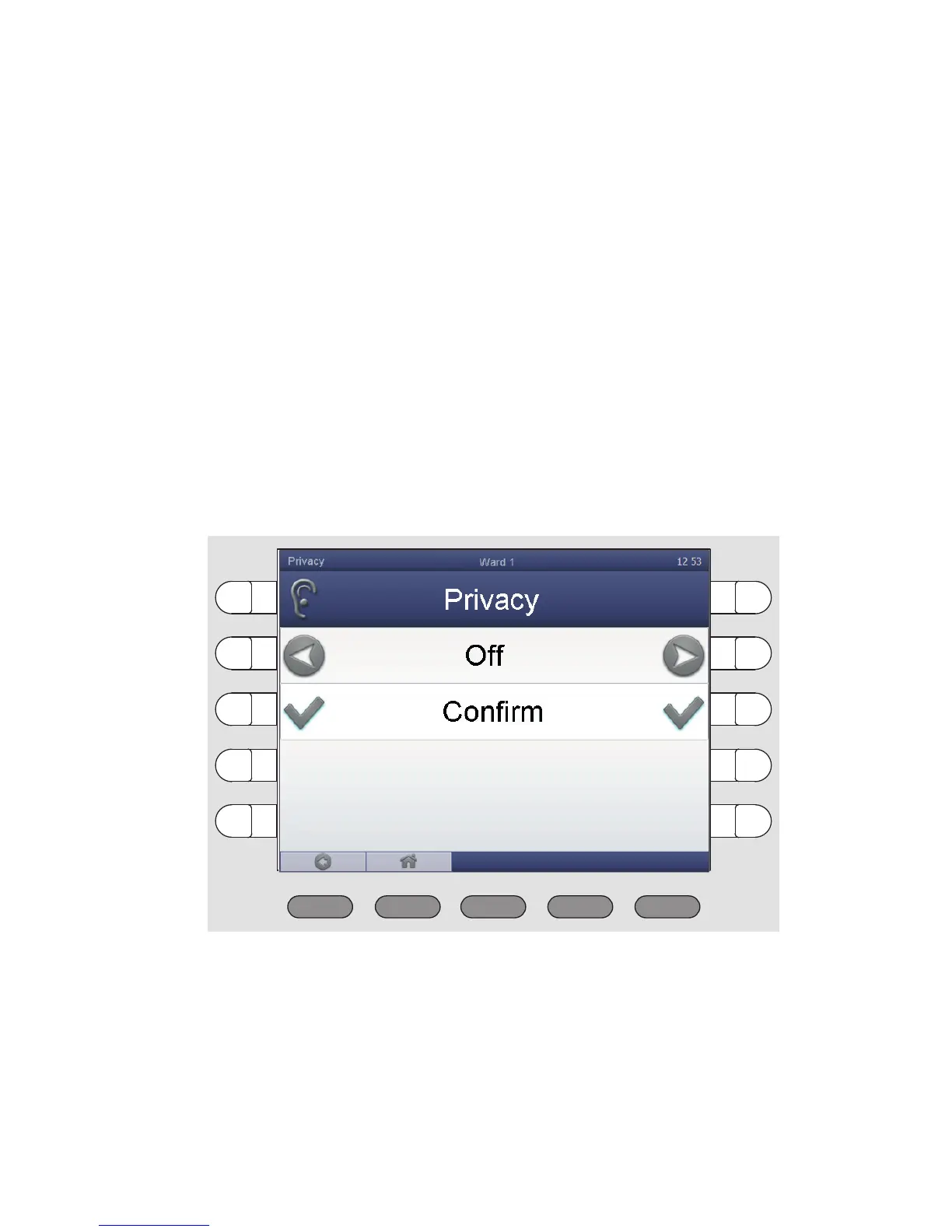
1. Press „System“ > „Adjust“ > „Privacy“.
The following window appears:
2. Use one of the select buttons next to "Off" to change the setting of the
privacy to "On".
3. Press „Confirm“.
The default setting of the privacy is changed.



 To Next Page