11. Changing default settings
56 00 8811 17, 08/18 (Rev. 6.0)
11.1 Changing default volume settings
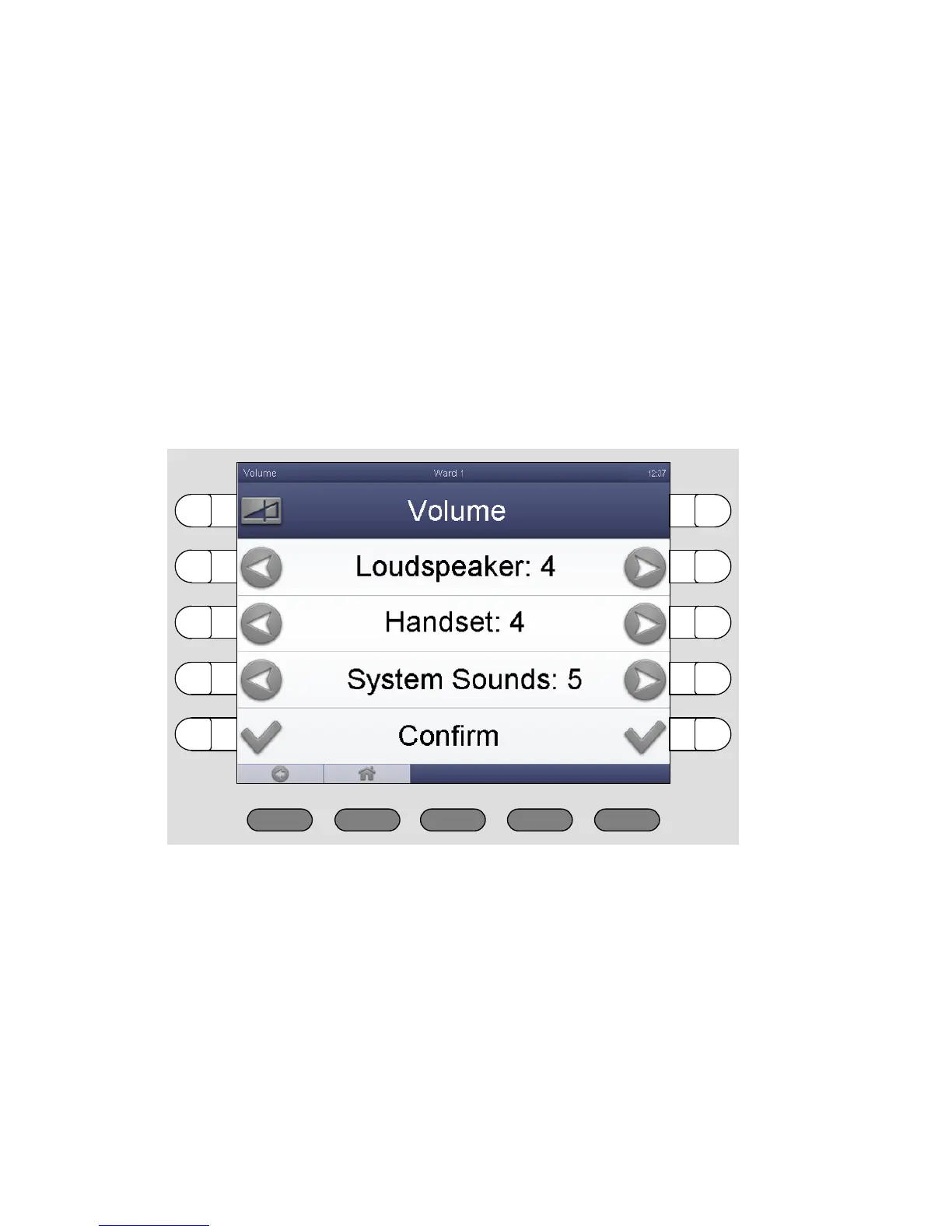
You can change the following volume settings:
Volume of the loudspeaker
Volume of the handset
Volume of the system sounds (e.g. call tone volume)
This is how you proceed:
1. Press „System“ > „Adjust“ > „Volume“.
The following window appears:
2. To decrease the volume of loudspeaker, handset or system sounds,
press the left buttons. To increase the volume of loudspeaker, handset
or system sounds, press the right buttons.
3. Press „Confirm“.
The volume is adjusted.



 To Next Page