4. Log on / Log off
18 00 8811 17, 08/18 (Rev. 6.0)
4.1 Log on
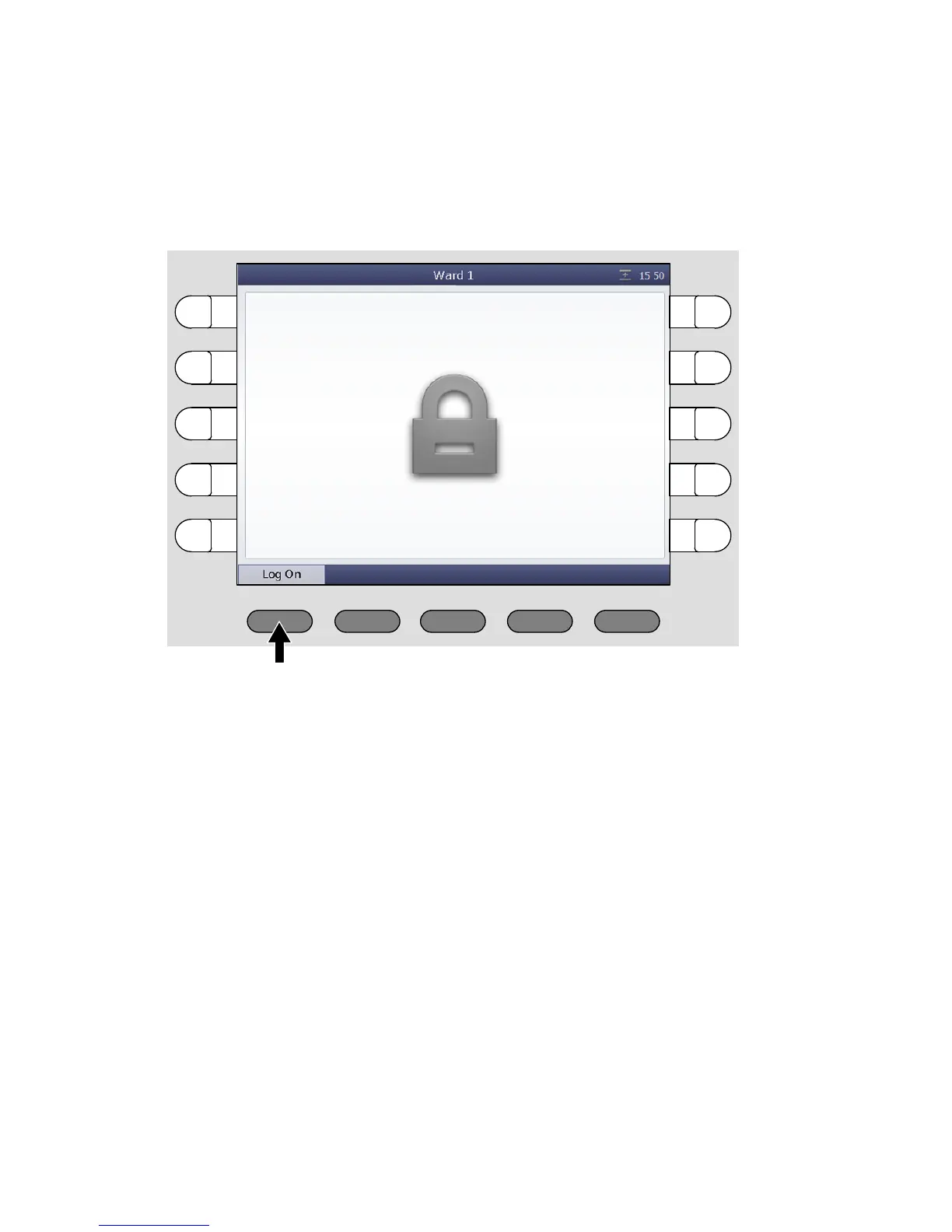
The ComStation
BUS-C
is always turned on. Before you log on, you will see
the following window in the display:
Press „Log On“.
You are logged on. The main window of the ComStation
BUS-C
appears.
The green section of the room lamp illuminates to indicate that the Com-
Station
BUS-C
is in use.



 To Next Page