5. Speech connections
22 00 8811 17, 08/18 (Rev. 6.0)
5.1 Status of the speech connection
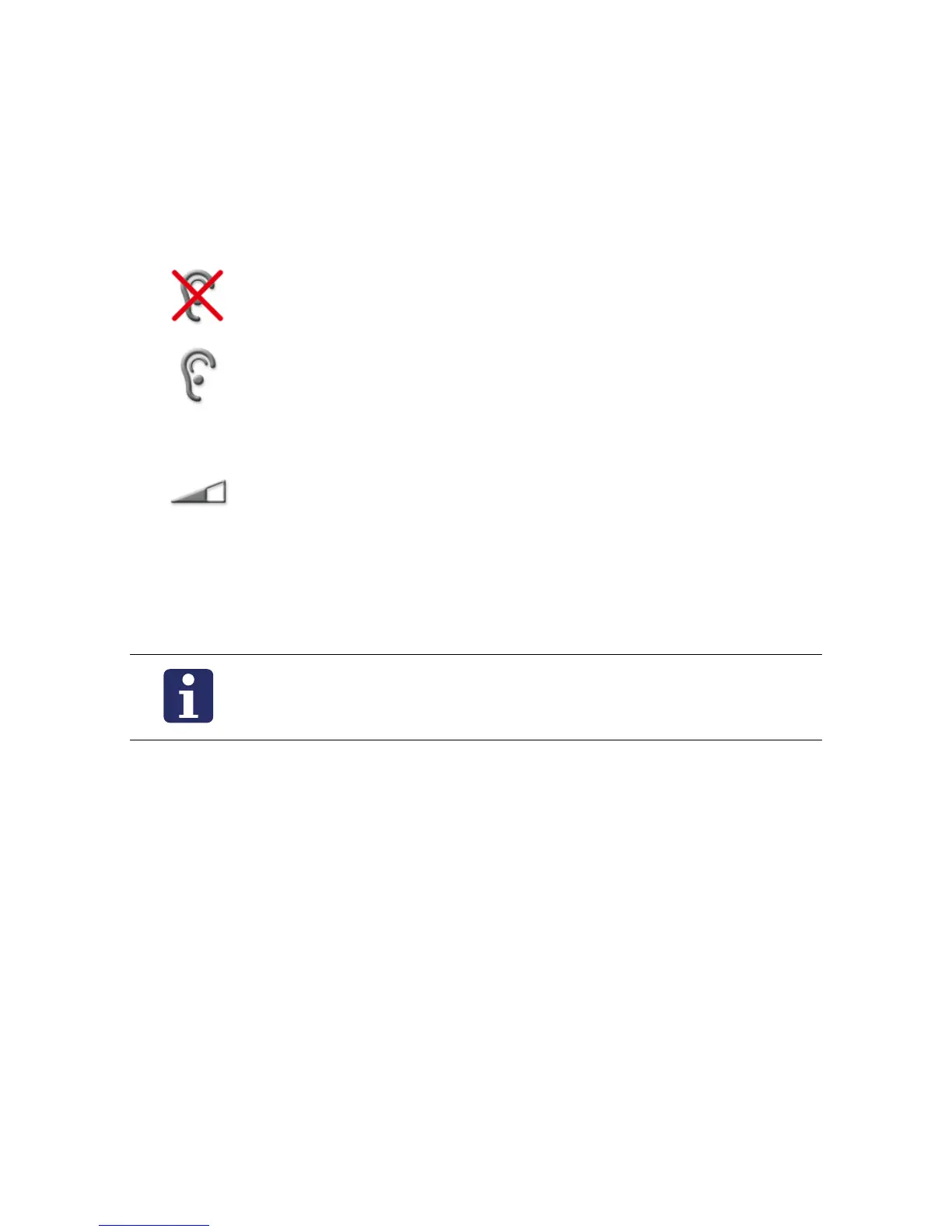
The status of the speech connection is shown in the window using the follow-
ing symbols:
Status of the privacy in the room:
Privacy: In the room, the privacy function is switched on. You
can speak to the room but not listen to what is said in the room
(see page 11).
No privacy: You can speak to the room and listen to what is
said in the room.
Receiving volume:
Receiving volume is displayed.
To increase the volume press “Volume +“.
To decrease the volume press “Volume -“.
This is a temporary setting. For how to set the volume perma-
nently, refer to page 56 onwards
NOTE! If a speech connection is not closed within one minute,
it will be closed automatically.



 To Next Page