00 8811 17, 08/18 (Rev. 6.0) 35
7. Announcements
You can make the following announcements:
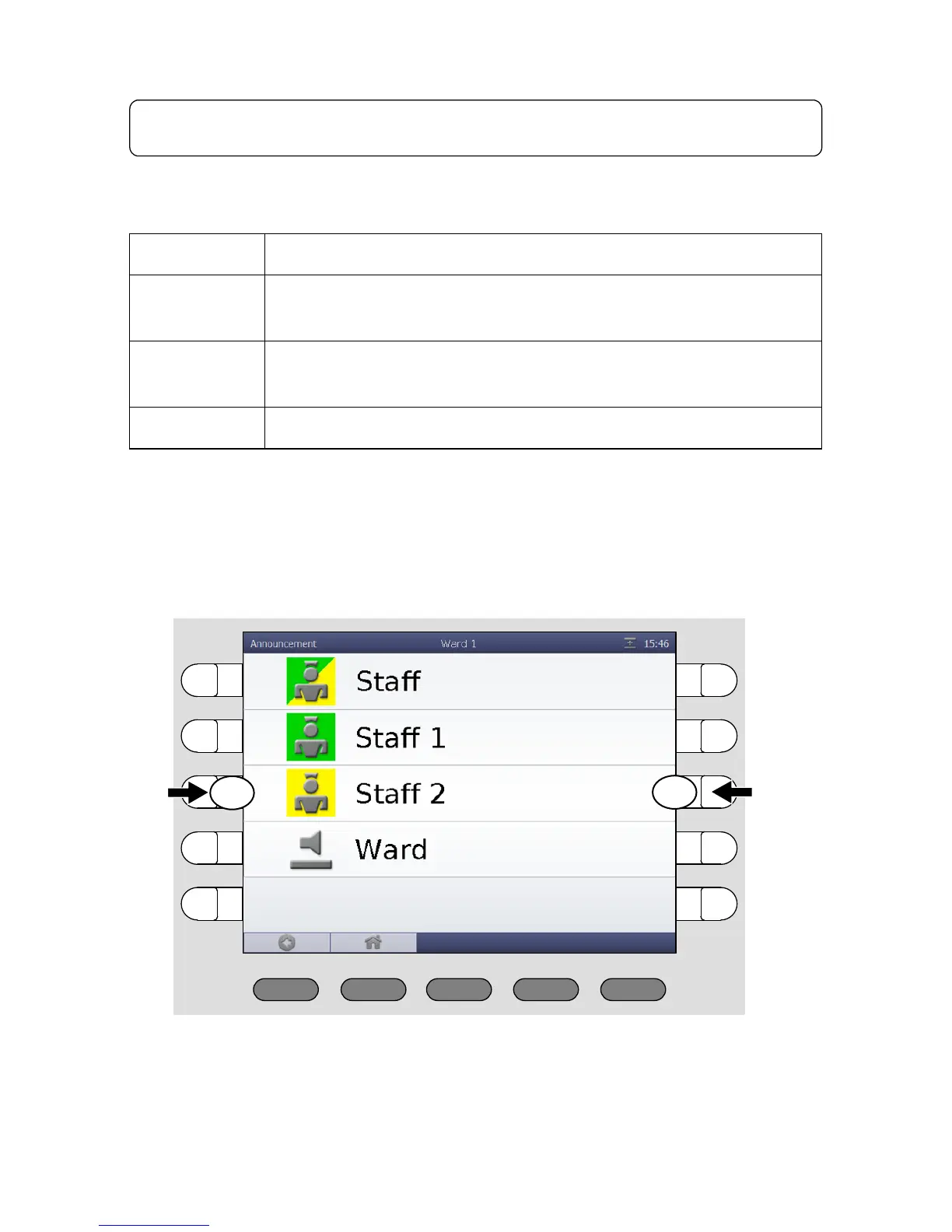
This is how you make an announcement:
1. Press “Announcement“ in the menu of the main window.
The list of possible announcements appears:
2. Select the desired announcement by pressing the appropriate select but-
ton on the left or on the right side.
Staff To all rooms of your ward in which staff are present.
Staff 1
To all rooms of your ward in which staff from group 1 are
present.
Staff 2
To all rooms of your ward in which staff from group 2 are
present.
Ward To all rooms in your ward.



 To Next Page