6. Handling calls
30 00 8811 17, 08/18 (Rev. 6.0)
6.3 This is how you handle a call
Answer the call
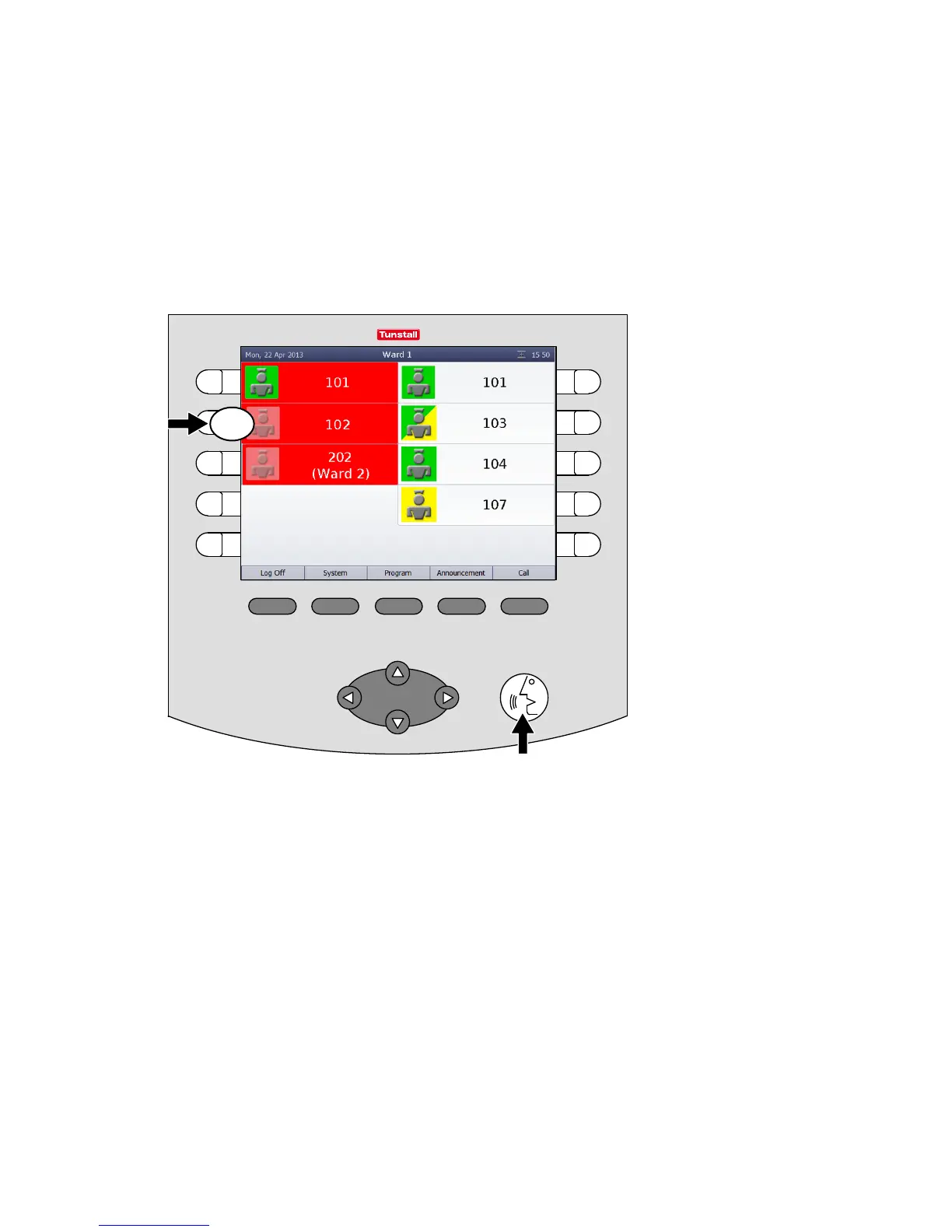
Calls are displayed in the call list. Fresh calls are flashing. The most urgent
call is at the top of the call list. You hear the calling tone for the most urgent
call.
Answer a call, i.e. establish a speech connection with the call location.
There are two possibilities here:
Press the select button next to the desired call,
or
press the Automatic button. (By pressing the Automatic button you will
establish a speech connection with the call at the top of the call list.)



 To Next Page