6. Handling calls
00 8811 17, 08/18 (Rev. 6.0) 31
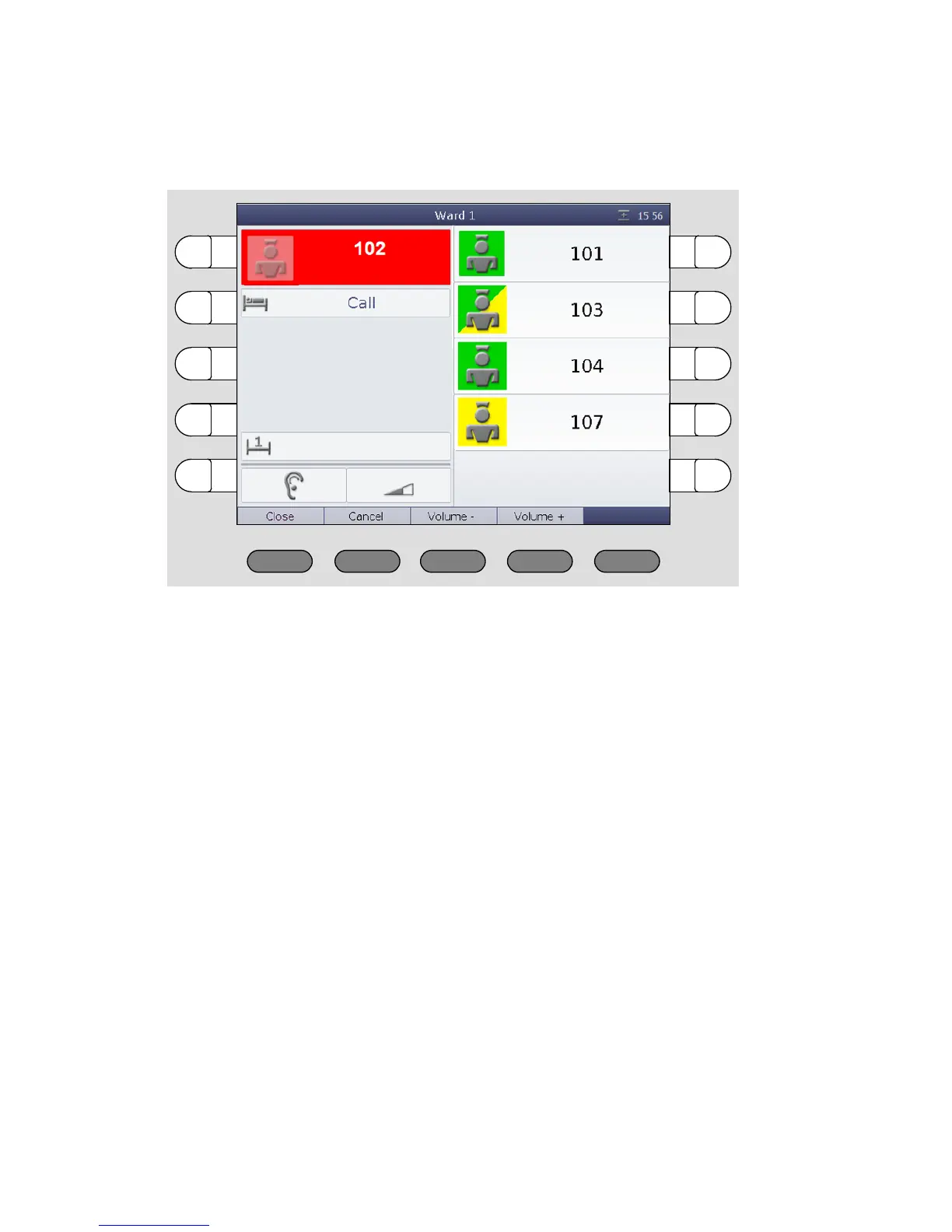
The speech connection window for the call appears. The speech connec-
tion is established:
Speak to the caller
To speak to the caller, use the handset or the hands-free facility.
If you want to increase the volume when listening, press „Volume +“. If
you want to decrease the volume when listening, press „Volume -“.
Closing the speech connection
For closing the speech connection without cancelling the call press
„Close“.
The speech connection window disappears. The call appears as an an-
swered call in the call list.
You can re-establish a speech connection at any time by pressing the se-
lect button of the call.
Speaking to staff
Close the speech connection at the call location by pressing „Close“.



 To Next Page