8. Call
44 00 8811 17, 08/18 (Rev. 6.0)
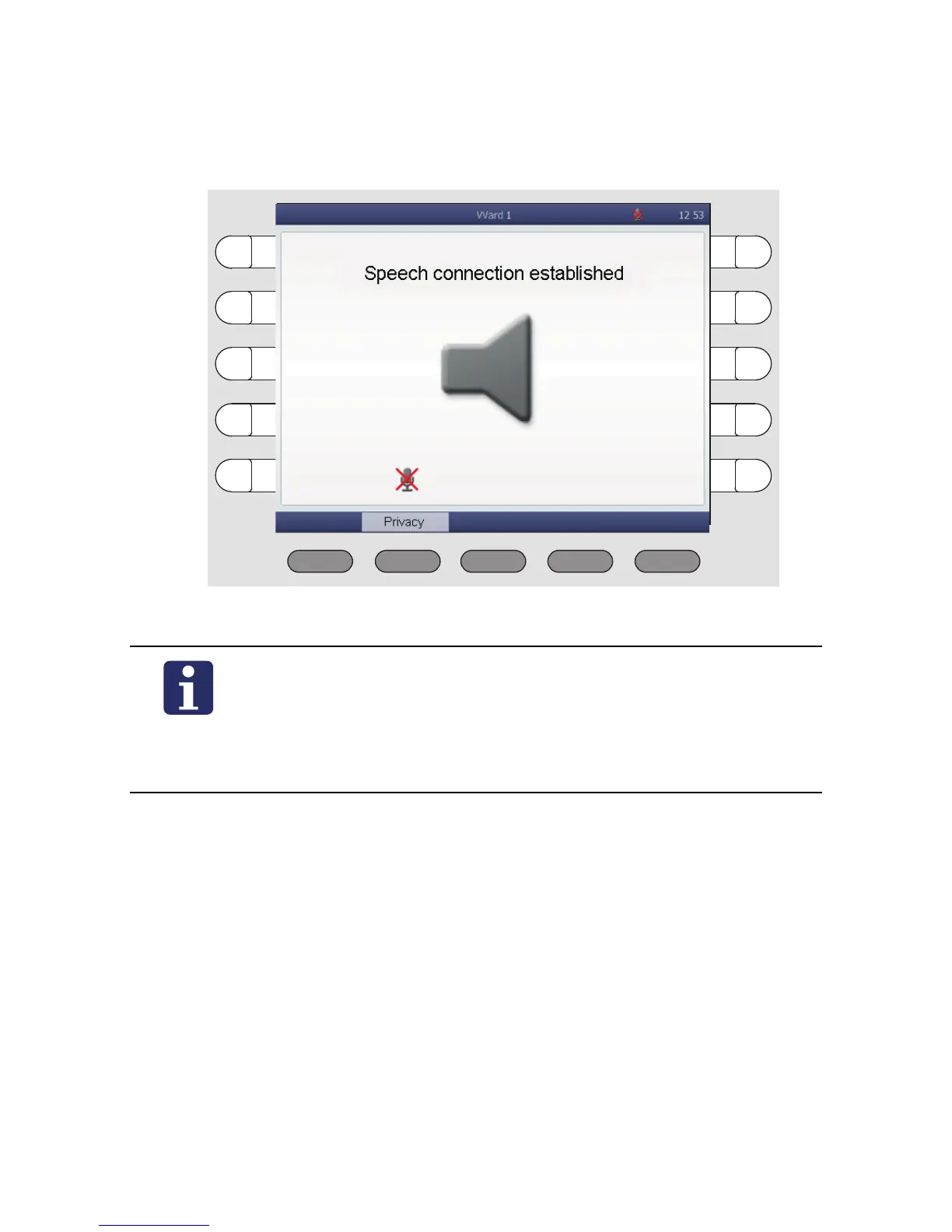
The privacy function is activated. ManagementCenter staff can't hear
what you're saying. The symbol for "Privacy" is displayed:
5. To switch off the privacy function, press „Privacy“ again.
After clarifying your request, the staff at the ManagementCenter will can-
cel the call.
The call is cancelled. The orange background of the word "Management-
Center" disappears.
NOTE! If needed - e.g. if you have called the ManagementCenter acciden-
tally - you can cancel the call. For this press the select button of the orange
marked word „ManagementCenter“. The marking disappears. Your call is
cancelled.
NOTE! You can configure the ComStation
BUS-C
so that the pri-
vacy is initially activated when a speech connection is estab-
lished to you from the ManagementCenter (see page 62). The
ManagementCenter staff will not be able to hear you until you
have pressed the "Privacy" button.



 To Next Page