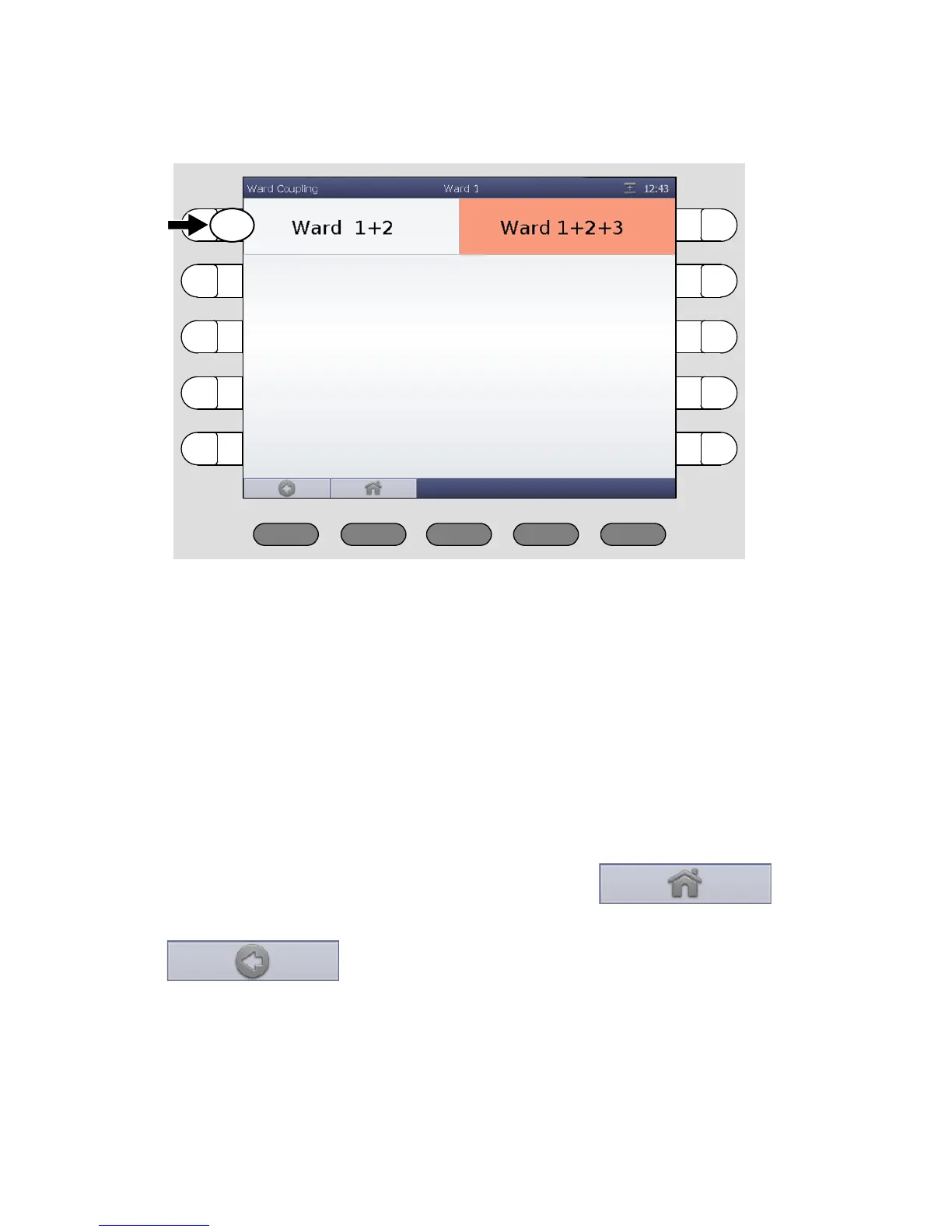
9. Ward coupling
48 00 8811 17, 08/18 (Rev. 6.0)
The ward couplings are displayed.
Active ward couplings are marked in orange; they are activated by you or by
another call handling console. Inactive ward couplings are not marked in or-
ange. You can activate or deactivate ward couplings:
If you would like to activate an inactive ward coupling, press the corre-
sponding select button, so that it will be marked in orange. It will be acti-
vated directly.
If you would like to de-activate an active ward coupling, press the corre-
sponding select button, so that the orange marking disappears. It will be
de-activated directly.
To return to the main window press the button:
(If you want to return to the previous menu level, press the button:
).
If still a ward coupling is active for your ward, in the title bar the symbol
for ward coupling is displayed. The operation is completed.



 To Next Page