12. Put the ComStation
BUS-C
into operation
62 00 8811 17, 08/18 (Rev. 6.0)
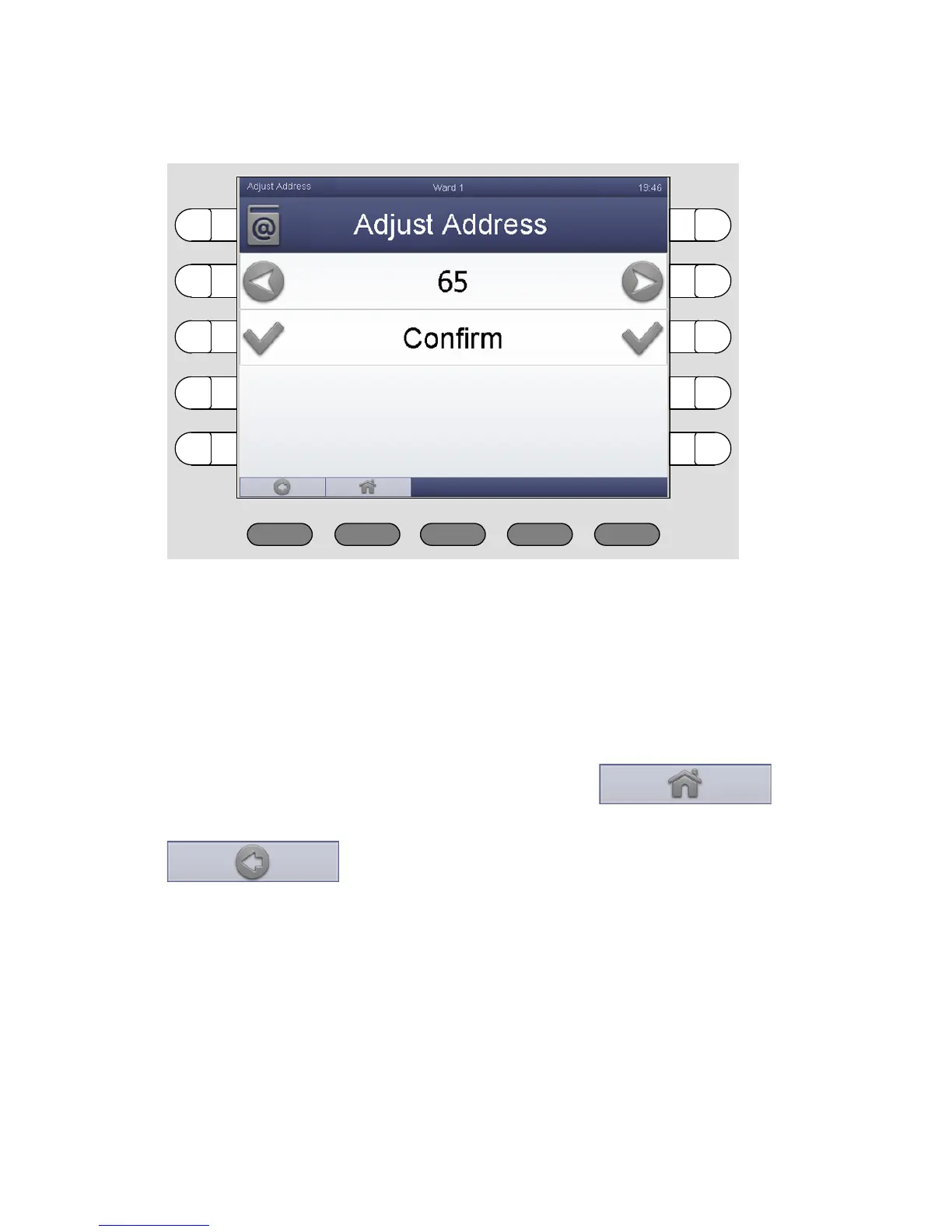
The window for adjusting the address appears:
7. To decrease the value press the left button. To increase the value use
the right button.
8. If the correct address is displayed, press the select button on the left or
on the right of the phrase „Adjust Address“.
The ComStation
BUS-C
address is adjusted.
9. To return to the main window press the button:
(If you want to return to the previous menu level, press the button:
).
The ComStation
BUS-C
is put into operation.



 To Next Page