15
© Turntide Technologies. Condential. All Rights Reserved. DOCT00369-082321 Last Modied: 2023-03-09
6. Initial Conguration (Quick Start Guide)
6.1. Connecting to the Hub Locally
With the hub mounted, power the panel/hub.
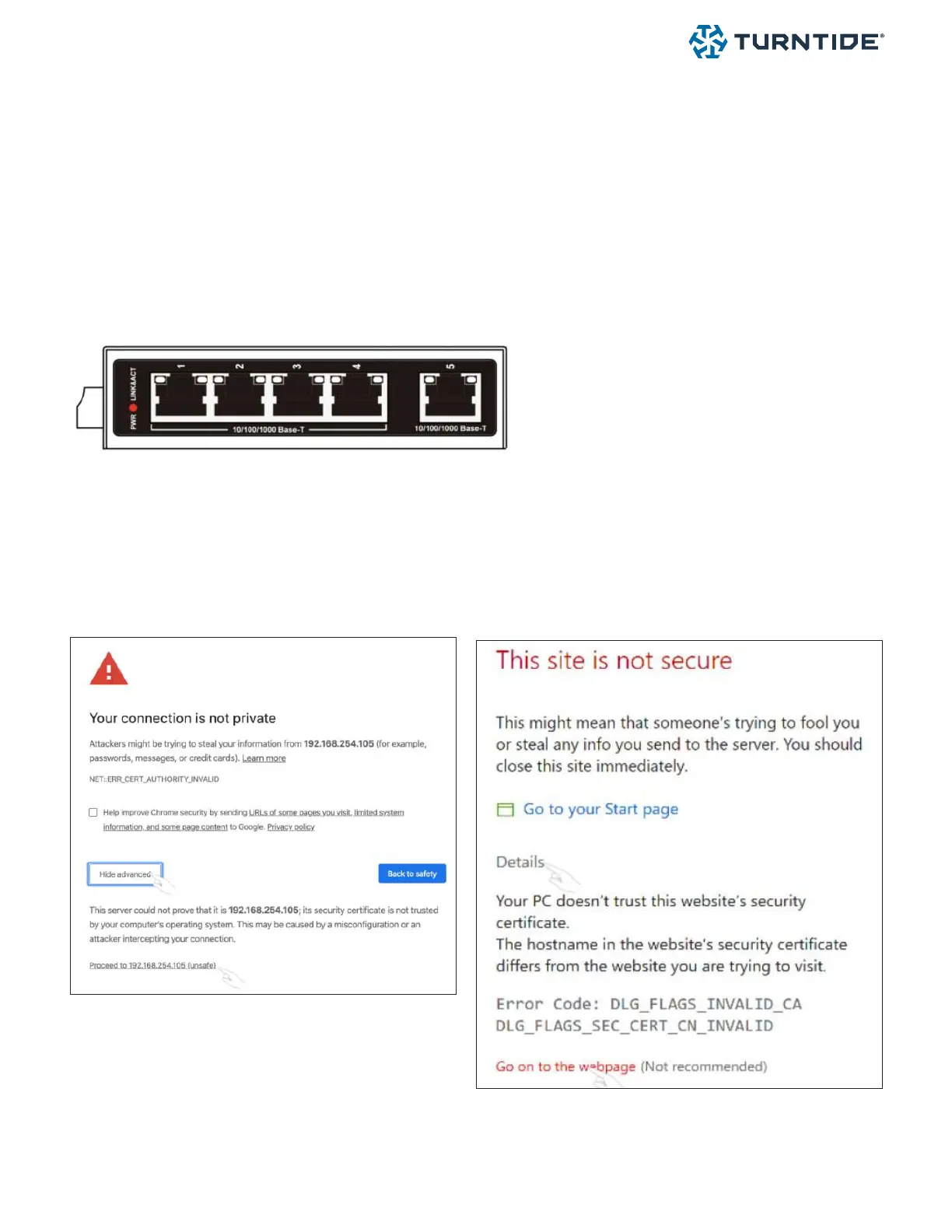
Verify LED power lights are illuminated on the Turntide Hub
Connect an ethernet cable from a PC or laptop to a free port on the ethernet switch.
Congure the computer’s IP address as follows:
• IP address: 192.168.1.101
• Subnet Mask: 255.255.255.0
• Router/Default Gateway: 192.168.1.1
6.2. Logging In
Using a web browser on the computer, log into the Turntide Hub (https://192.168.1.100:5000) with the default admin
credentials.
If prompted to accept the security certicate select Advanced > Go to Website



 To Next Page