25
Go to Table of Contents
Active Noise Cancellation
Active Noise Cancellation suppresses ambient noise, especially low-frequency noise such as aircraft engines and road noise. The
system works by sensing outside noise with the built-in microphones and sending an equal-but-opposite signal into the
headphones. The soft cushions of the Elite 800 also help block external sound, providing an added level of noise reduction.
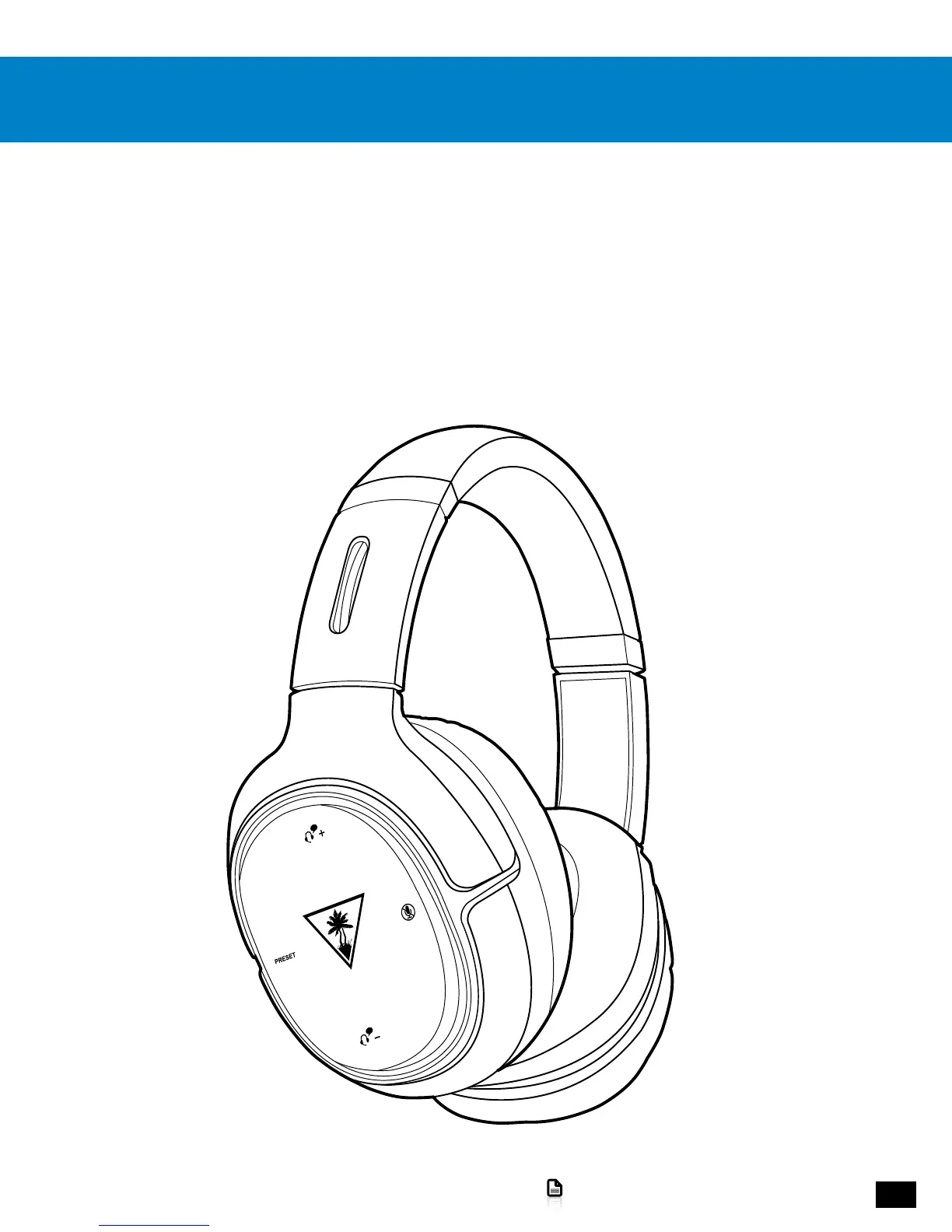
• To turn on Active Noise Cancellation (ANC), with the headset on, press the Power/ANC Button. A voice prompt in the Headset
will confirm your selection and the Power LED will flash Pink.
• To turn off ANC, with the headset on, press the Power/ANC Button again. A voice prompt in the Headset will confirm your
selection and the Power LED will flash Blue.
NOTE: To comply with safety requirements in airline use, be sure that Elite 800 Bluetooth operation is turned off.
NOTE: You can only turn Active Noise Cancellation on or off when the Elite 800 Headset itself is turned on.














 To Next Page