47
SET A GROUP
Sequence -
Set A >> Audible >> Depth >> EDT >> NiBG >> DTR >> PO2.
> Depressing the A and S buttons simultaneously for 4
seconds while the NORM (or GAUG) Surface Main screen
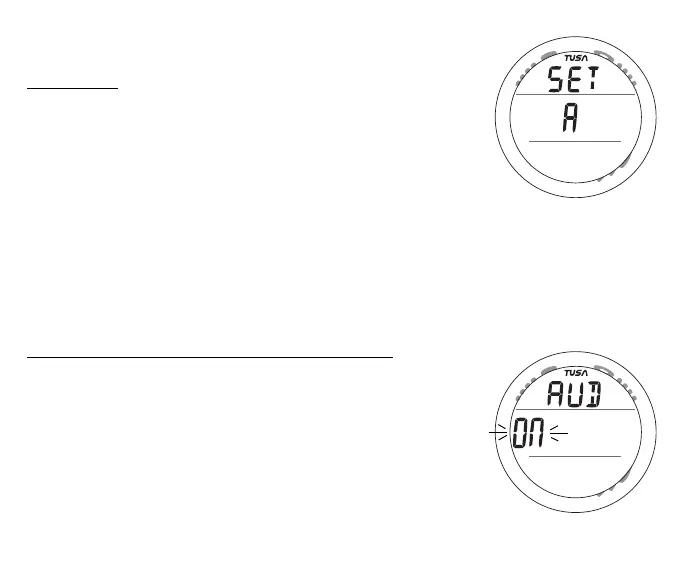
is displayed will access the Set A screen (Fig. 36).
> Pressing and releasing the A button momentarily (< 2 sec)
while SET A is displayed will access Set Audible Alarm.
SET AUDIBLE ALARM
This option allows the Audible Alarm to be disabled. Due to
there importance, some cautionary situations will cause the
Audible alarm to sound even if this feature is set to OFF.
Set Audible Alarm information includes (Fig. 37):
> Graphic AUD
> Set Point graphic ON (or OFF), flashing.
• Pressing and releasing the S button momentarily (< 2 sec)
will toggle between ON and OFF.
• Pressing and releasing the A button momentarily (< 2 sec)
will save the setting and access Set Depth Alarm.
Fig. 36 - SET A
Fig. 37 - SET AUDIBLE



 To Next Page