25
http://www.tyan.com
2.6 - Finishing Installing the Heat Sink
After you have finished installing the heat sink onto the processor and socket,
attach the end wire of the fan (which should already be attached to the heat
sink) to the motherboard. The following diagram illustrates how to connect
fans onto the motherboard.
Once you have finished installing all the fans you can connect your drives (hard
drives, CD-ROM drives, etc.) to your motherboard.
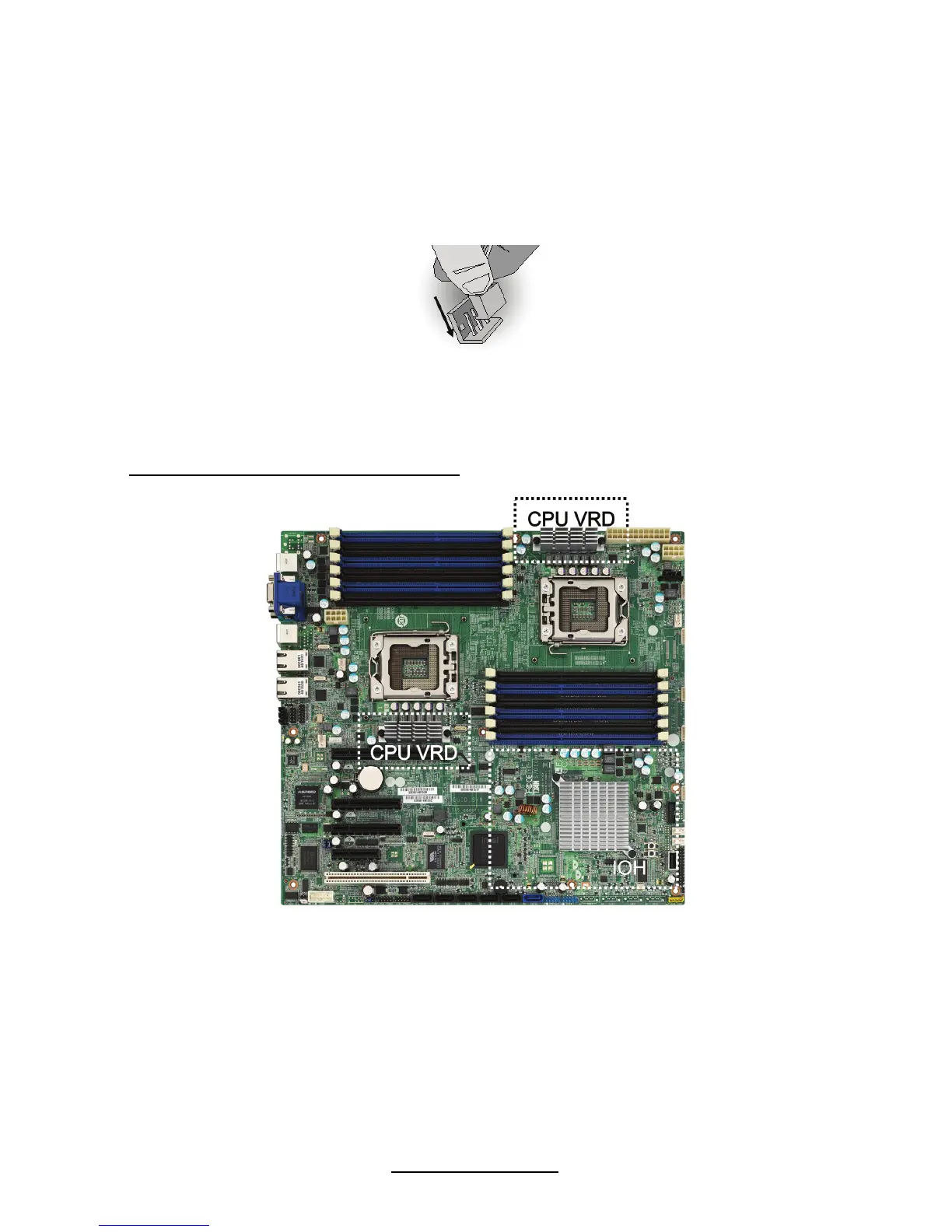
CPU VRD/IOH Heat Dispersion Notice
INSTALL FAN INTO CHASSIS TO LET AIR FLOW IN!!!
- To ensure that the board runs efficiently and does not overheat, make sure
there is air flow around the CPU VRD/IOH (as shown) to help disperse the
heat generated around the area.



 To Next Page