79
http://www.tyan.com
3.6.1 CPU Bridge Configuration Sub-Menu
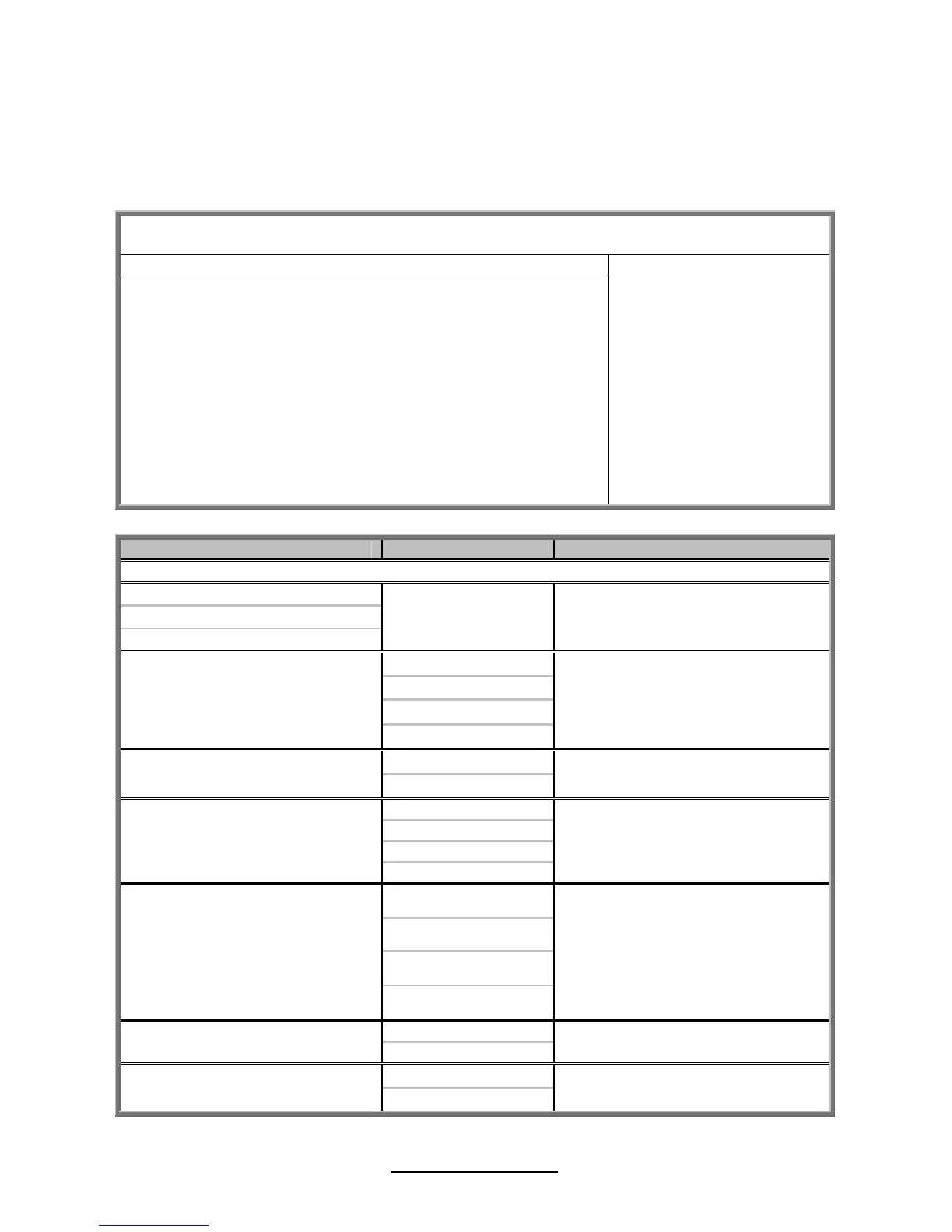
This menu gives options for customizing CPU Bridge Chipset settings. Select a
menu by highlighting it using the Arrow (/) keys and pressing Enter. The
settings are described on the following pages.
BIOS Setup Utility
Main Advanced PCI/PnP Boot Security Chipset Exit
CPU Bridge Chipset Configuration
CPU Revision
Current QPI Frequency
Current Memory Frequency
QPI Frequency
QPI L0s and L2
Memory Frequency
Memory Mode
Demand Scrubbing
Patrol Scrubbing
xx
x.xxx GT
x.xxx GT
[Auto]
[Disabled]
[Auto]
[Independent]
[Disabled]
[Disabled]
Transition the links to the
specified speed when
transitioning the links to
full-speed. (if supported by
all components)
← → Select Screen
↑↓ Select Item
Enter Go to Sub Screen
F1 General Help
F10 Save and Exit
ESC Exit
Feature Option Description
North Bridge Chipset Configuration
CPU Revision
Current QPI Frequency
Current Memory Frequency
Read only
Auto
4.800 GT
5.866 GT
QPI Frequency
6.400 GT
Transition the links to the specified
speed when transitioning the links
to full-speed. (if supported by all
components)
Disabled
QPI L0s and L1
Enabled
Enable/disable L0s and L1
Auto
Force DDR-800
Force DDR-1066
Memory Frequency
Force DDR-1333
Force a DDR frequency slower
than the command tCK detected
via SPD
Independent
Channel Mirroring
Lockstep
Memory Mode
Sparing
Independent: independent channel
Mirroring: mirrors channel space
between channels
Lockstep: lockstep between
channel 0 and 1
Spare: sparing mode
Disabled
Demand Scrubbing
Enabled
ECC demand scrubbing enabled /
disabled
Disabled
Patrol Scrubbing
Enabled
ECC patrol scrubbing enabled /
disabled



 To Next Page