http://www.TYAN.com
72
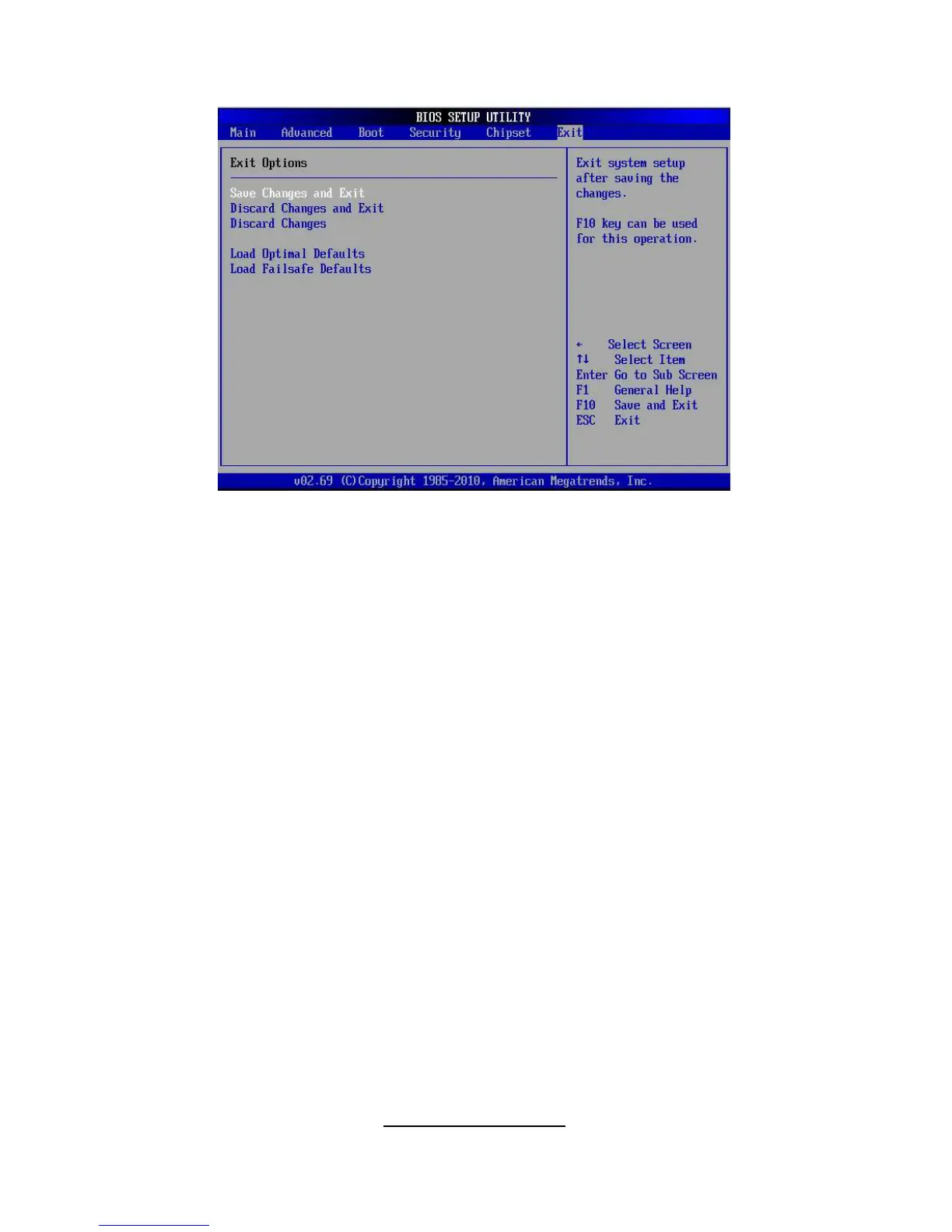
3.11 - Exit Menu
Save Changes and Exit
Use this option to exit setup utility and re-boot.
All new selections you have made are stored into CMOS.
System will use the new settings to boot up.
Discard Changes and Exit
Use this option to exit setup utility and re-boot.
All new selections you have made are not stored into CMOS.
System will use the old settings to boot up.
Discard Changes
Use this option to restore all new setup values that you have made but not
saved into CMOS.
Load Optimal Defaults
Use this option to load default performance setup values.
Use this option when system CMOS values have been corrupted or modified
incorrectly.
Load Failsafe Defaults
Use this option to load all default failsafe setup values.
Use this option when troubleshooting.



 To Next Page