6 Display
6.1 General explanation of control panel
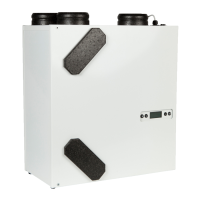
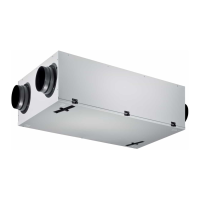
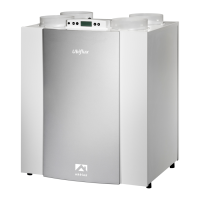
A display with touchscreen is located at the front of the appliance. This display is used to operate the appliance
and to provide the user with information about the status of the appliance. When the mains power is switched on,
the software version is first shown; the main screen is then displayed.
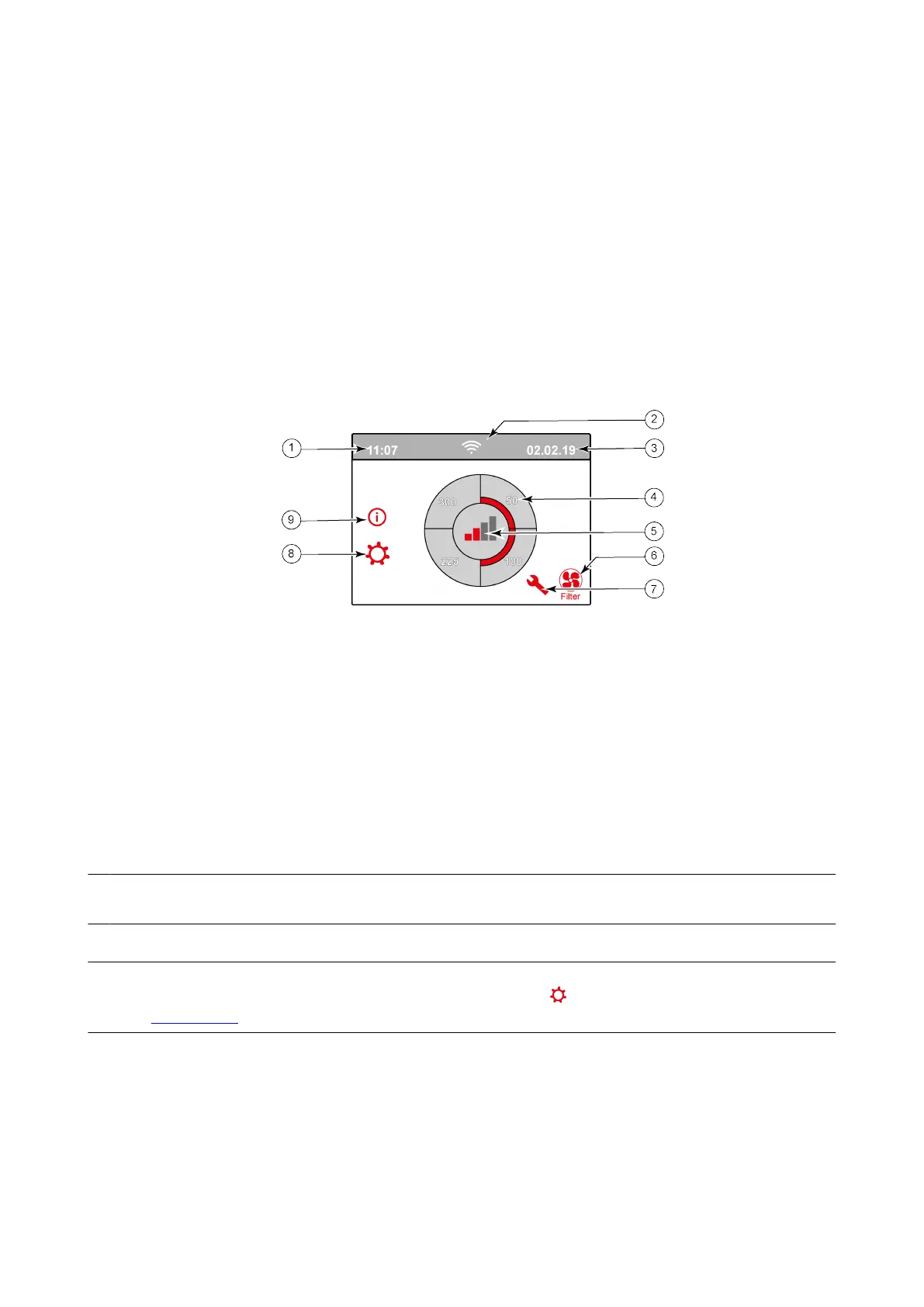
Main screen
1 = Current time
2 = Info connections (only displayed if applicable)
3 = Current date
4 = Set ventilation flow rate; the red bars indicate the selected ventilation flow rate.
In this example the active ventilation flow rate is 100 m
3
/h
5 = Active control
6 = Filter message (only displayed if applicable)*
7 = Fault (only displayed if applicable)*
8 = Access to settings menu
9 = Access to information menu
*
Filter message and fault message are located in the same place on the display; fault display has a higher priority,
and so will always be shown rst even when there is an acve lter message!
The factory seng of the menu is English.
The desired language/ date & me can be modied in the sengs menu ;for this, please refer to the sengs value
table (®
Seng values page 51) step number 15.1 to step number 15.10.
Ubiflux Vigor W325 615743-G Ubbink / 19



 To Next Page