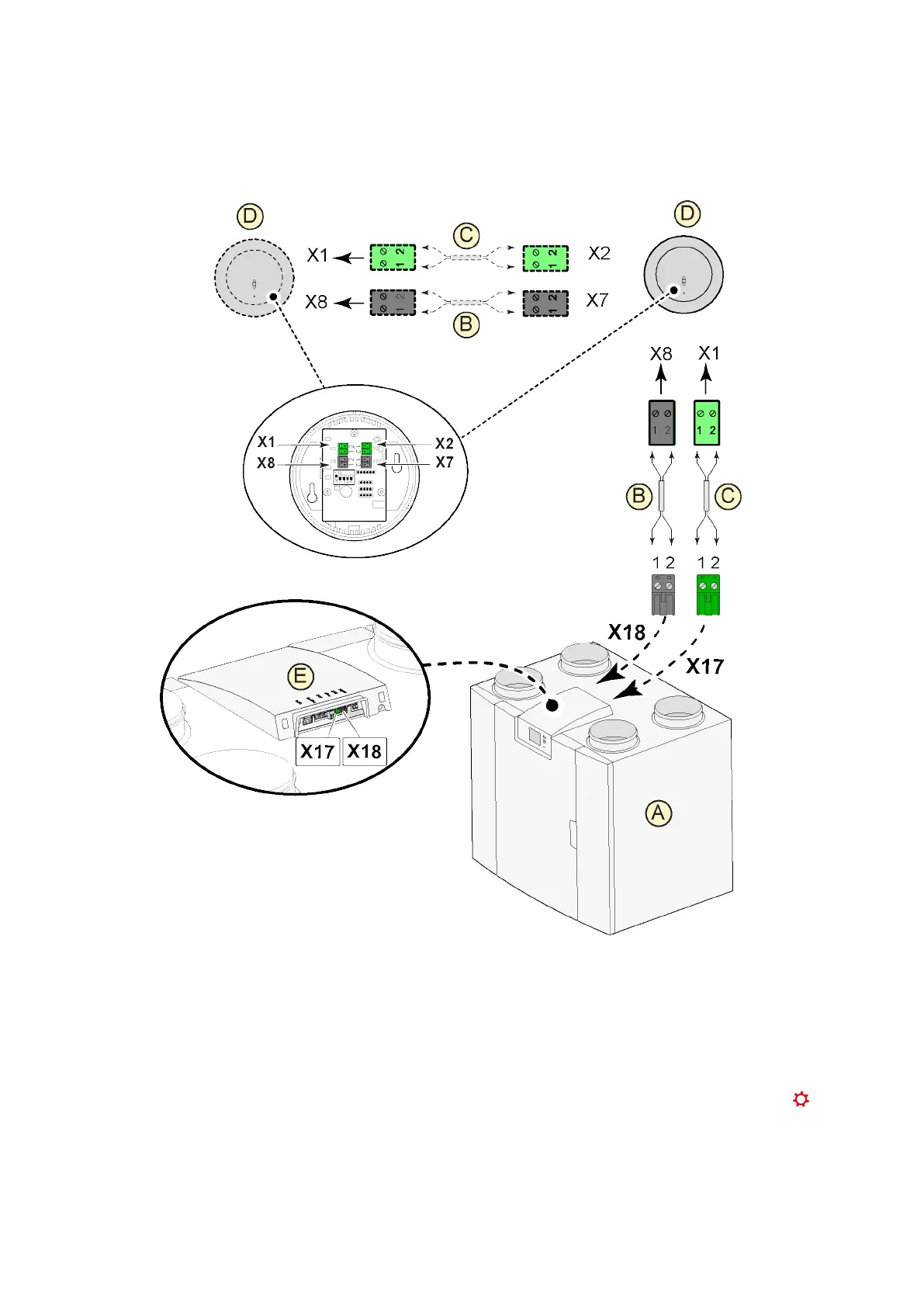
11.4 Connecting CO₂ sensor(s)
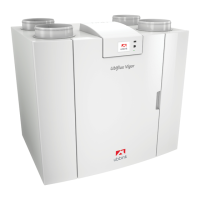
A = Ubiflux Vigor appliance
B = 2-pole control cable for 24V power supply (black connectors)
C = 2-core control cable for eBus connection (green connectors)
D = CO
2
sensor(s); connect a maximum of 4
E = Connection X17 (eBus) and X18 (24V) on Ubiflux Vigor appliance
For switching the CO
2
sensor(s) on and off, select the right setting at step number 6.1 in the settings menu ; in
order to set the minimum and maximum PPM value of the CO
2
sensor(s) set, if necessary, the right values
following step numbers 6.2 to 6.9.
Ubiflux Vigor W325 615743-G



 To Next Page