2. To set your Work Address, choose one of the following
options:
NOTE: Refer to the individual section of the chosen option
for further information.
• Spell City
• Spell Street
Once you have generated your Work Address, you will be
asked to Save it.
3. Press the “Save Work” button on the touchscreen to
confirm your destination and begin the route to your
Work Address.
4. This address will be saved as your Work Address and it
can be accessed by pressing the “Work” button in the
Where To? Menu.
NOTE: You can press the “back arrow” button on the
touchscreen to return to the previous screen or the “X”
button on the touchscreen to exit.
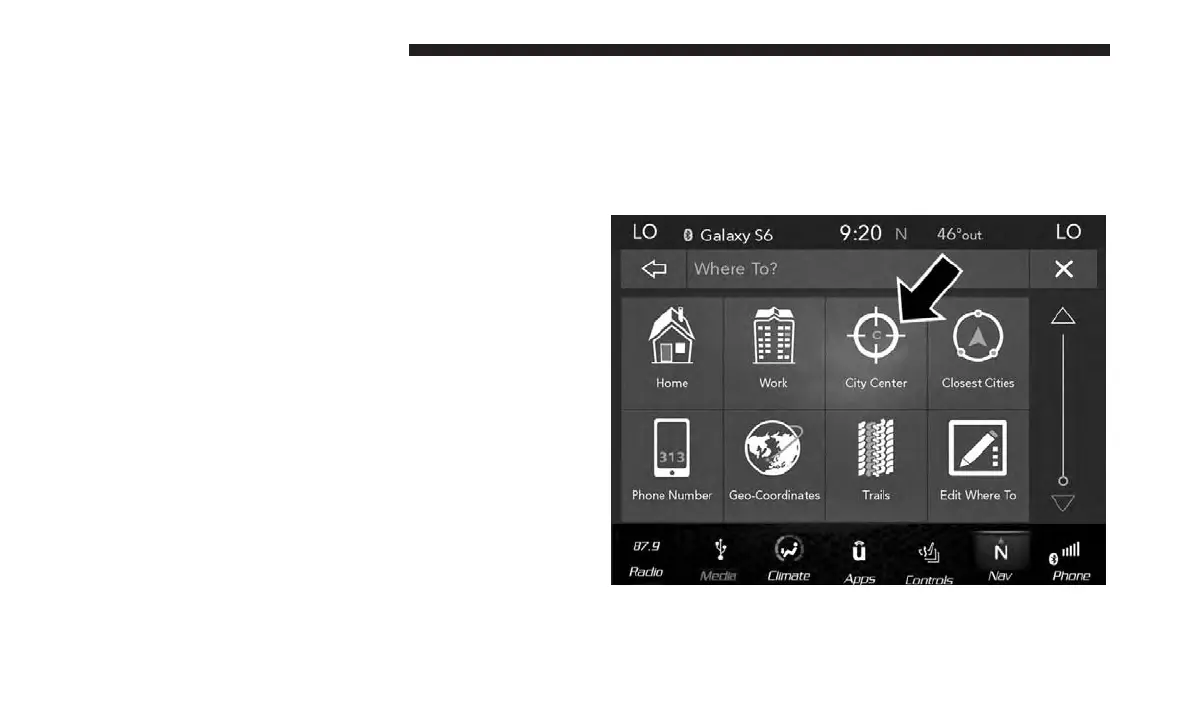
Where To? — City Center
To enter a destination by City Center, follow these steps:
1. While in the Nav Main Menu, press the “Where To?”
button on the touchscreen then press the “City Center”
button on the touchscreen.
104 NAVIGATION MODE — IF EQUIPPED



 To Next Page