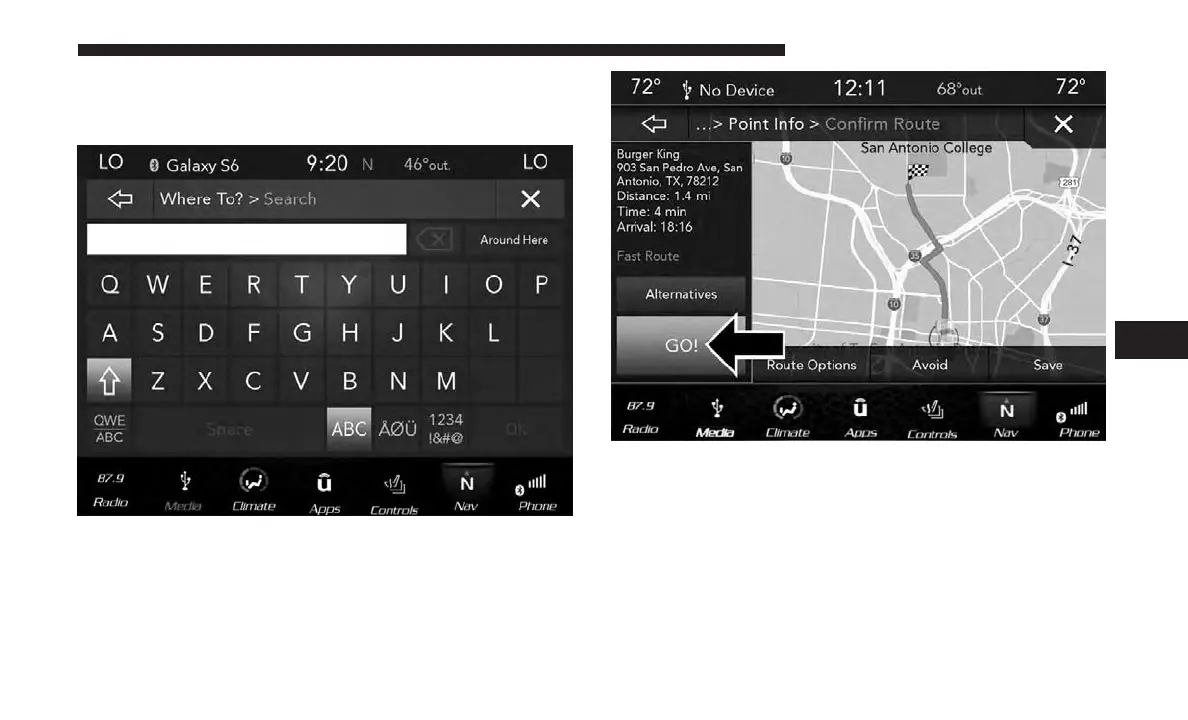
2. Enter the location name, street address, city, etc. you
wish to search for, to search all “Where To?” categories
for the entered location, and press “OK.”
3. Select the desired location from the list of locations that
appears. Once the correct location has been selected, you
will be asked to confirm your route by pressing “Route
To.”
4. Press the “GO!” button on the touchscreen to begin your
route.
6
NAVIGATION MODE — IF EQUIPPED 77



 To Next Page