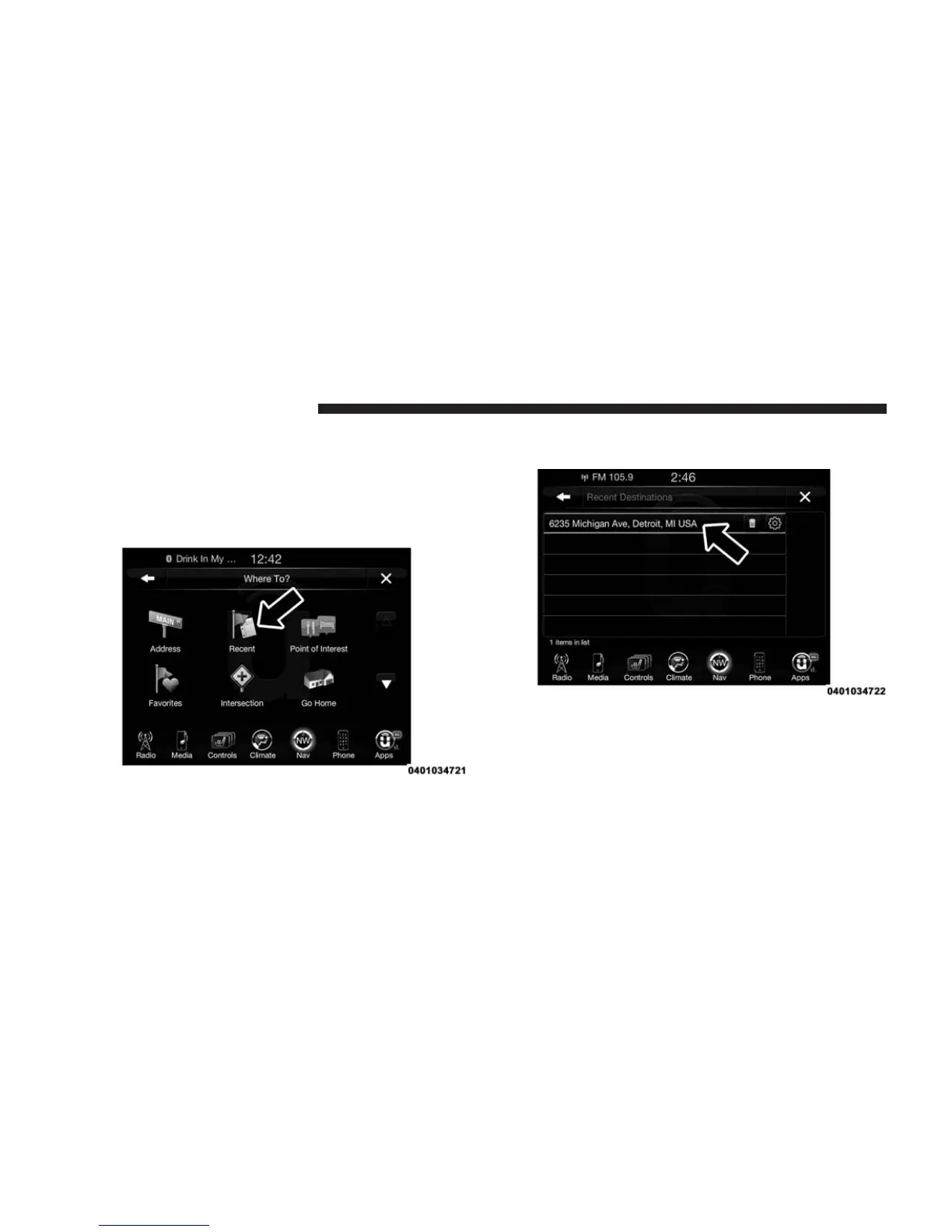
Where To? — Recent
To route to a Recent destination, follow these steps:
1. While in the Nav Main Menu, press the “Where To?”
button on the touchscreen, then press the “Recent”
button on the touchscreen.
2. Press the button on the touchscreen with the name of
the desired destination.
3. Confirm the route with “Yes” to start the route guid-
ance.
To delete a destination from the list, press the “Trash
Can Icon” button on the touchscreen.
346 Uconnect® 8.4AN — If Equipped



 To Next Page