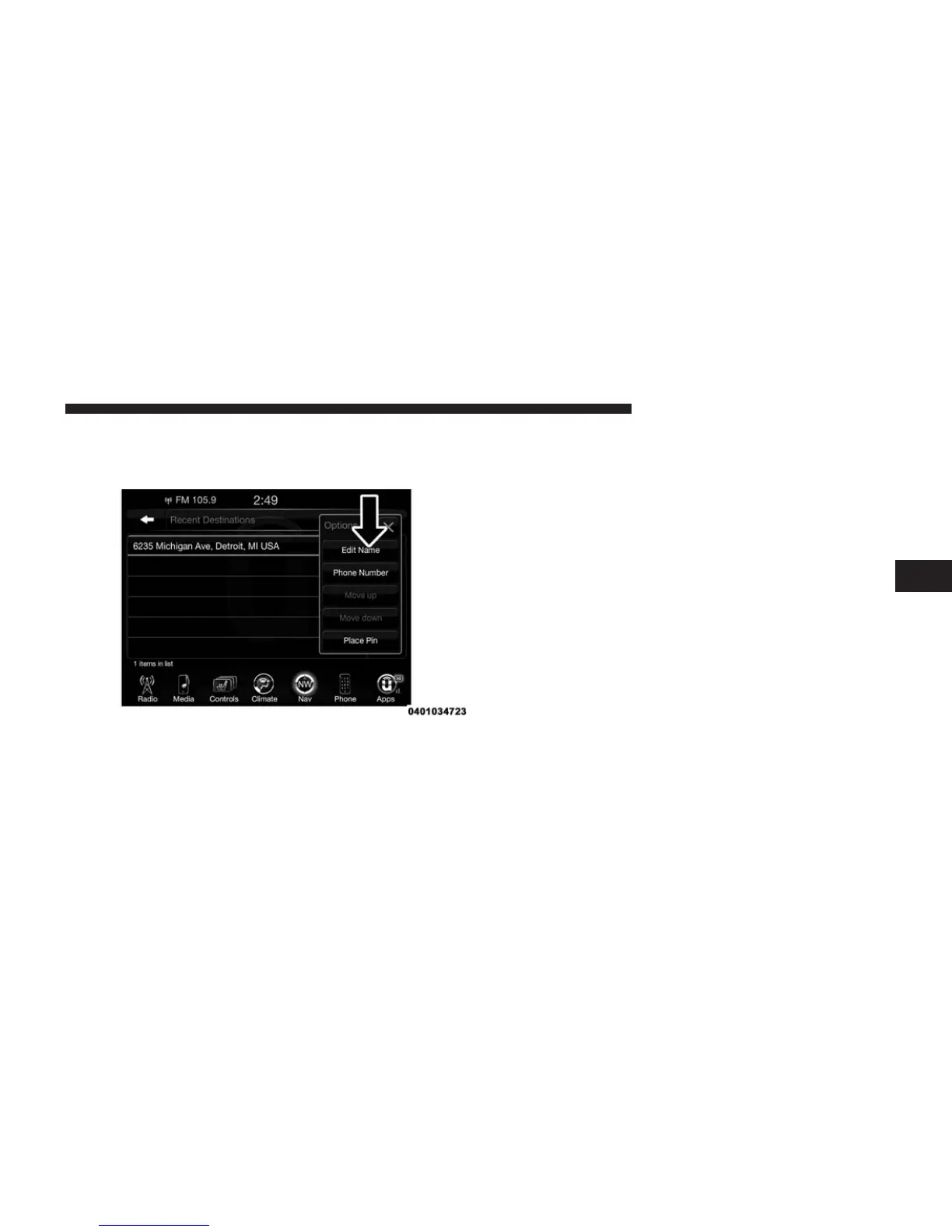
To display the options for a destination press the
“Options” button on the touchscreen that looks like a
gear.
The following Options are available for each destination:
• Edit Name
• Add Phone Number
• Move Up in the list
• Move Down in the list
• Place Pin on the location (saves the spot on the list)
NOTE: You can press the “back arrow” button on the
touchscreen to return to the previous screen or the “X”
button on the touchscreen to exit.
Where To? — Point of Interest
To enter a destination by Point of Interest (POI), press the
“Where To?” button from the Nav Main Menu, then press
the “Point of Interest” button on the touchscreen.
4
Uconnect® 8.4AN — If Equipped 347



 To Next Page