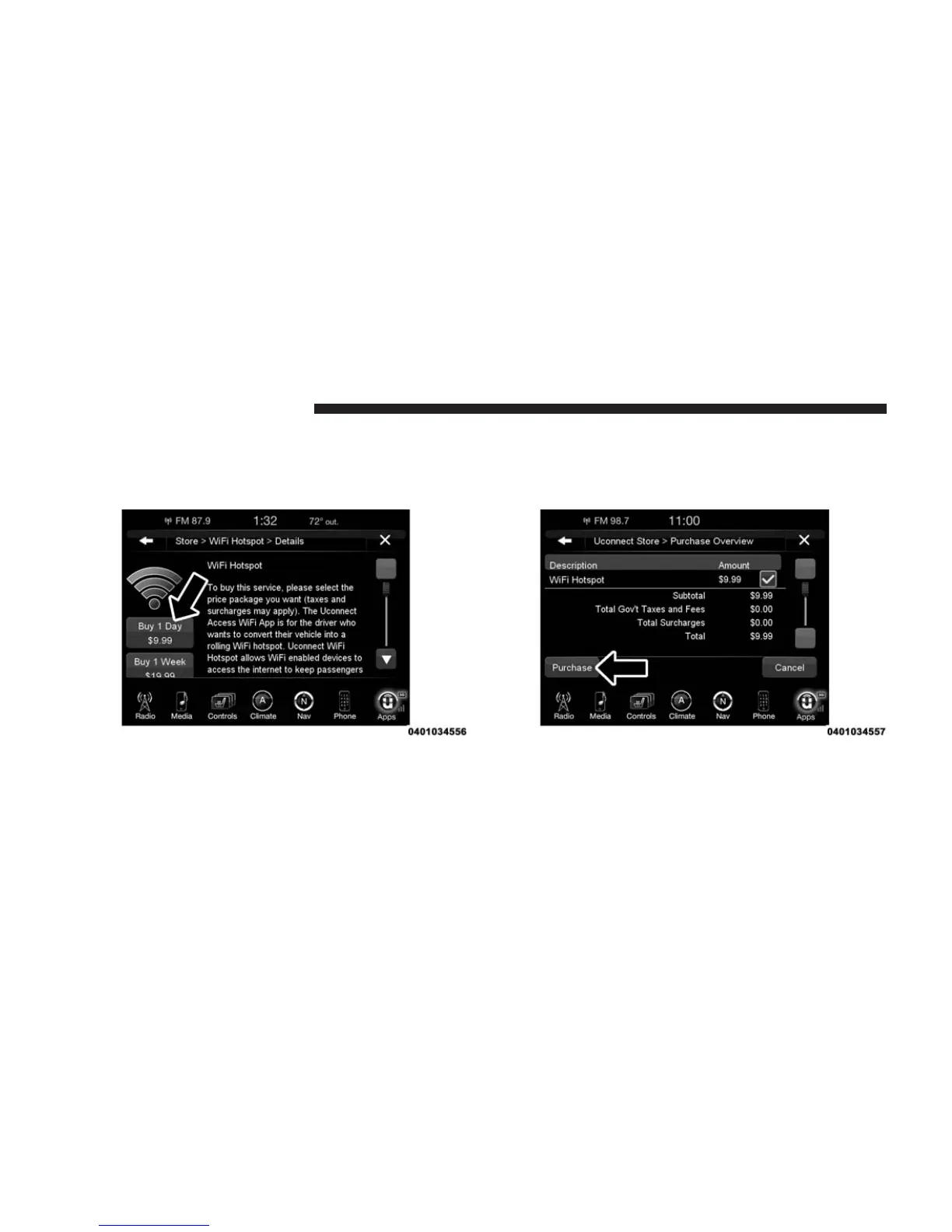
4. This will launch the selected service or package into
purchase mode along with providing additional infor-
mation. The purchase process begins when you press
the “Buy” button on the touchscreen.
5. The Uconnect® Store will display a “Purchase Over-
view” message confirming the financial details for the
App you are about to purchase. Press the “Purchase”
button on the touchscreen to continue.
38 ALL ABOUT Uconnect® ACCESS



 To Next Page