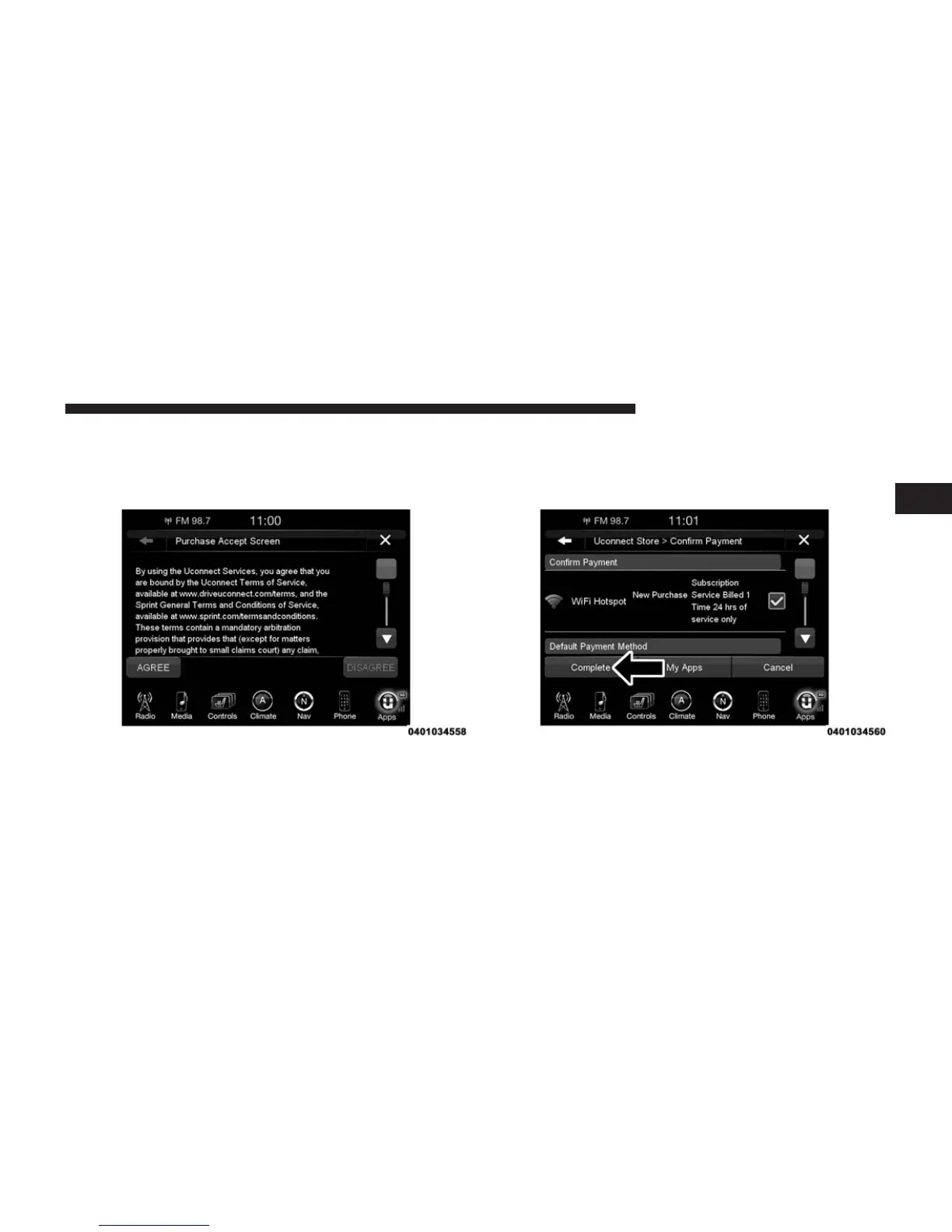
6. The User must select “AGREE” to complete the pur-
chase. “DISAGREE” will cancel the purchase and
re-direct customers back to the Uconnect® Store land-
ing page.
7. The Uconnect® Store will ask you to “Confirm Pay-
ment” using your default payment method on file in
your Uconnect® Payment Account. Press the “Com-
plete” button on the touchscreen to continue.
2
ALL ABOUT Uconnect® ACCESS 39



 To Next Page