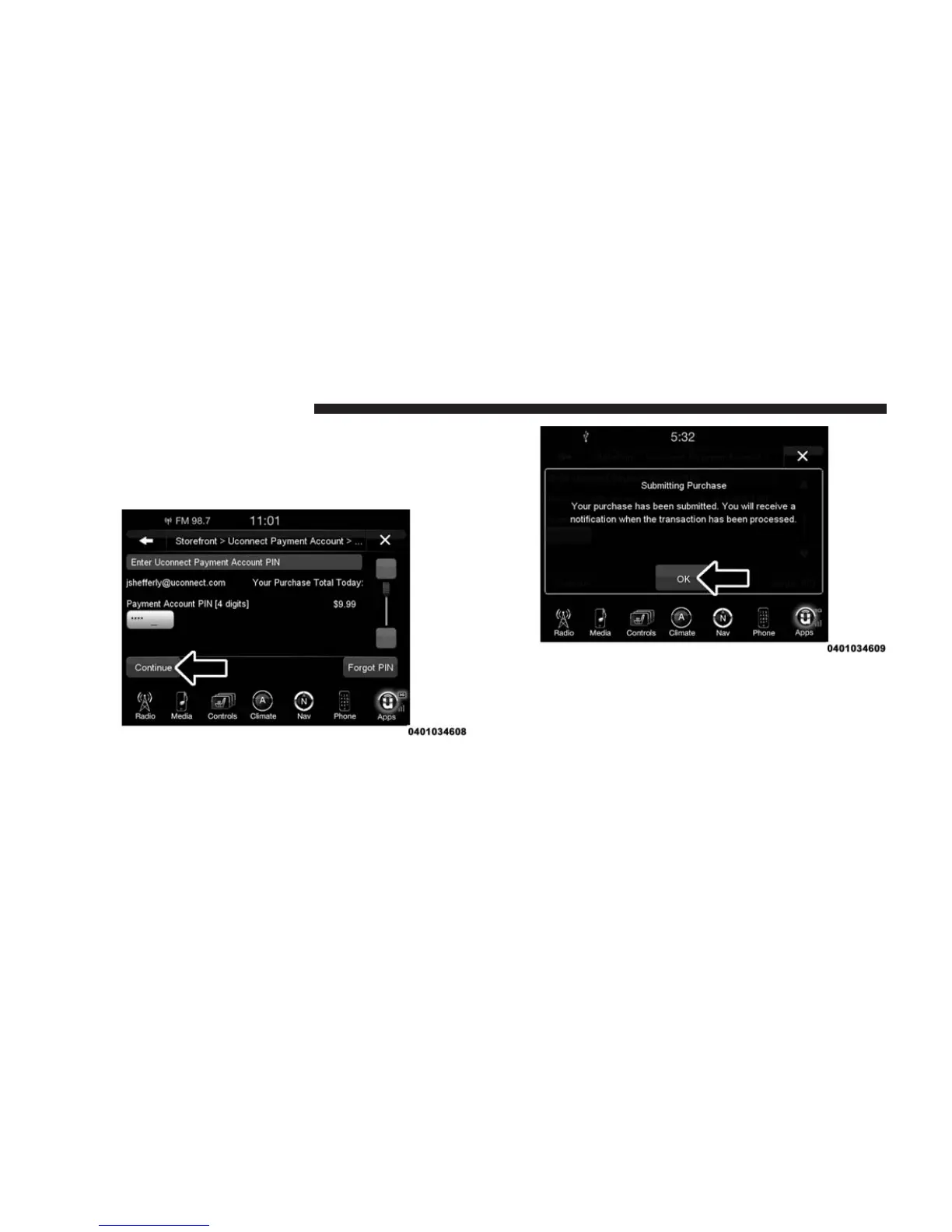
8. The Uconnect® Payment Account will then ask for
your “Payment PIN.” After entering this four digit
PIN, press the “Continue” button on the touchscreen
to make the purchase.
9. You will receive a confirmation message that your
purchase has been submitted. Press “OK” to end the
process.
NOTE: Purchased Apps and services can take up to 30
minutes to download, depending on your vehicle’s cel-
lular coverage at time of purchase. If your download
takes more than 30 minutes, please contact Uconnect®
Care by pushing the ASSIST button on the rear view
mirror.
40 ALL ABOUT Uconnect® ACCESS



 To Next Page