23
Materials
Compatible materials
The Ultimaker 2+ comes with one spool of PLA material, but does support the use of various materials.
The following Ultimaker materials are officially supported on the Ultimaker 2+:
• PLA
• ABS
• Nylon
• CPE
• CPE+
• PC
• PP
• TPU 95A
Although the Ultimaker 2+ has an open material system, the use of Ultimaker material on the printer is recommended. All
Ultimaker materials have been tested extensively and have optimized profiles in Ultimaker Cura to ensure the best print
result.
How to print
Each material requires different settings for optimal results. For detailed information on how to print with Ultimaker
materials it is recommended to take a look at the material guides on the Ultimaker website.
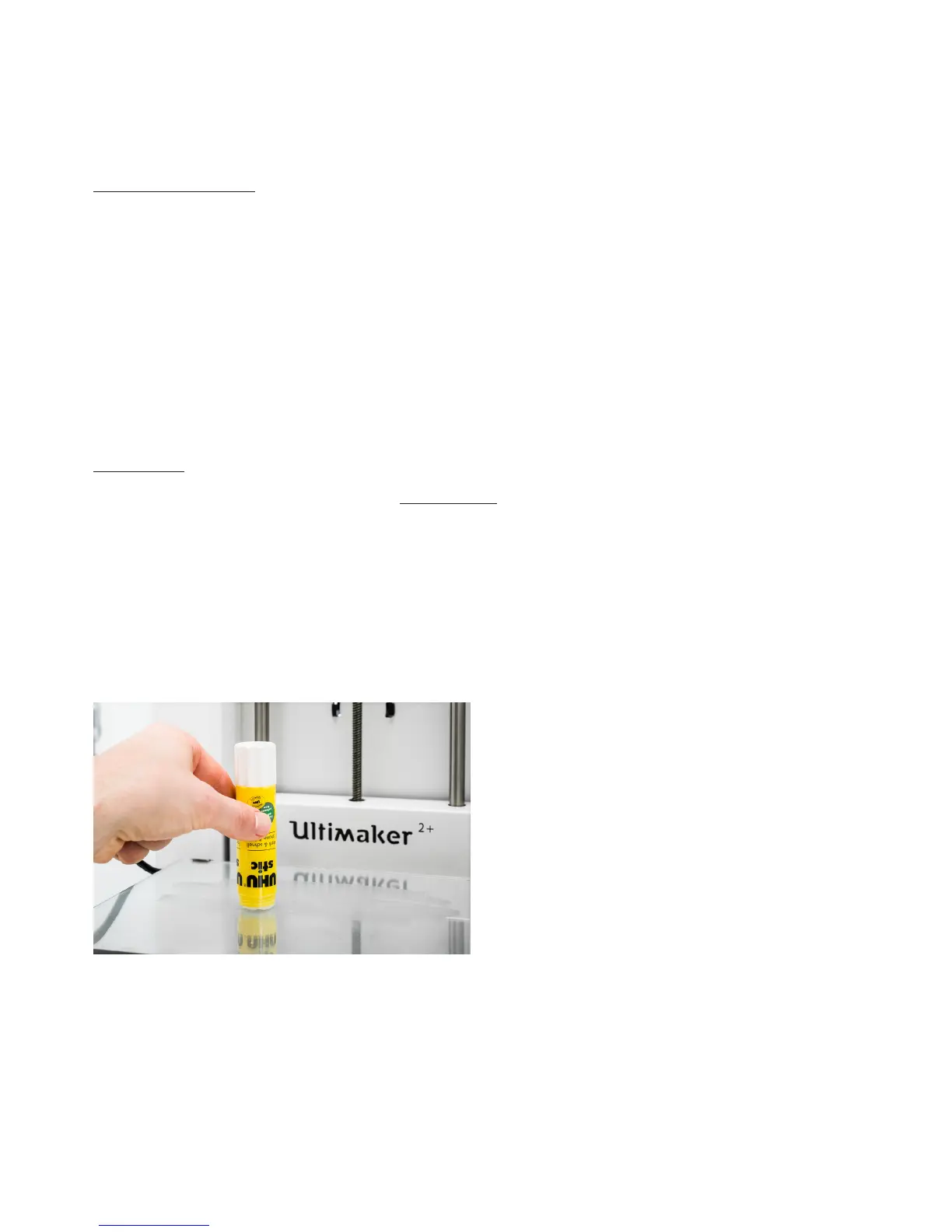
For all materials that are supported on the Ultimaker 2+ it is recommended to apply an adhesive the glass plate before
starting a print. In the accessory box of the Ultimaker 2+ is a glue stick, of which a thin layer should be applied to the glass
plate. This will not only enhance good adhesion, but it will also work as a protective layer for the glass plate. The prefered
adhesion method for CPE+ and PC is an adhesion sheet, which is part of the Advanced 3D Printing Kit. Alternatively you
can also use glue for these materials.
Furthermore, it is advised to print all materials with a ‘brim’ or ‘raft’ as platform adhesion type. A brim will print some extra
lines of plastic around the object on the first layer to let the model adhere well and to minimize warping. A raft will put a
grid structure between the print and build plate that allows or better adhesion. These settings are selected by default in all
the Ultimaker Cura profiles for the materials on the Ultimaker 2+.



 To Next Page