37
Check for play on axles
The four X and Y axles are locked in place by pulleys. It is possible that one or more of the pulleys will loosen over time,
which can alter their position. If this is the case, there could be play on the X and/or Y axles which in turn will lead to issues
with print quality.
It is recommended to check for play on the axles at least once every three months.
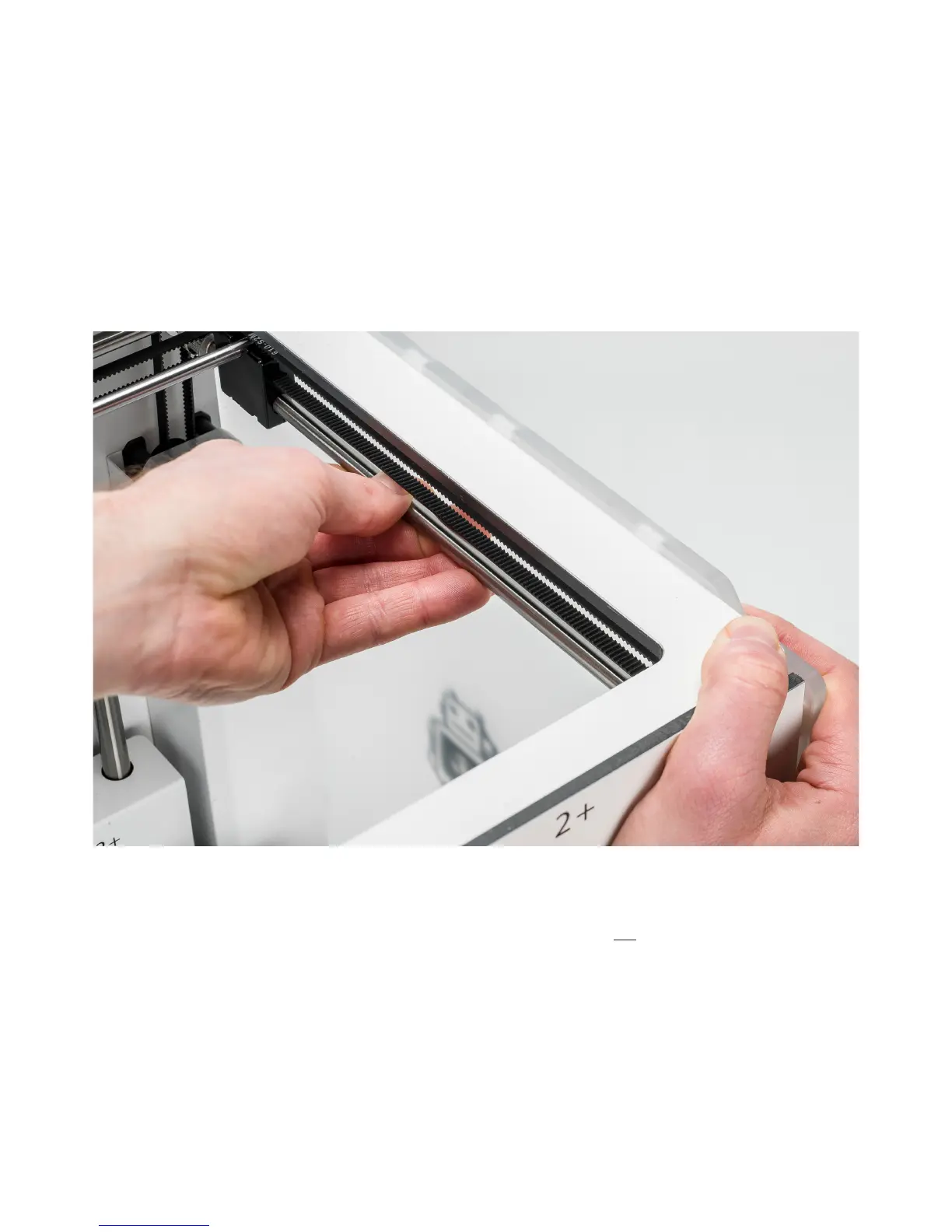
Start with the right Y axle. Place the print head in the back-left corner to keep it out of the way. Hold the frame of the
Ultimaker 2+ with one hand and firmly grab the right Y axle with the other. Attempt to move the axle forwards and
backwards; do not be afraid to apply too much force.
Repeat this for the other axles; move the X axles side to side and the Y axles forwards and backwards. Make sure to move
the print head to the opposite side each time.
The axles should not move at all. If one of the axles does move, you can observe a ticking noise of the pulleys hitting the
frame. In this situation, it is recommended to calibrate the print head. Take a look at this page for instructions on how to
calibrate the print head.



 To Next Page