16
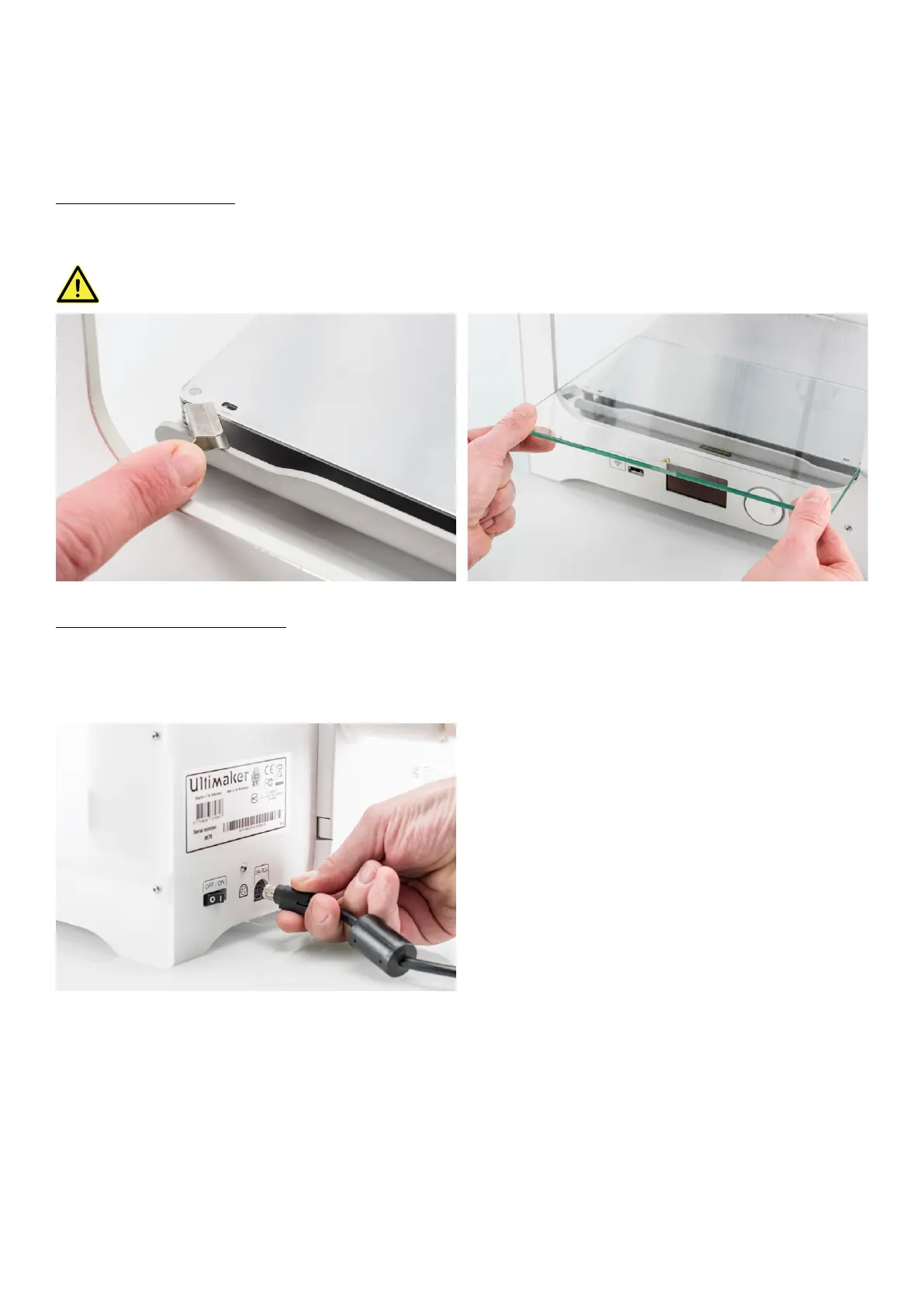
Placing the glass plate
1. Open the two build plate clamps at the front of the build plate.
2. Gently slide the glass plate onto the build plate and ensure that it snaps into the build plate clamps at the back.
3. Close the two build plate clamps at the front to secure the glass plate.
Leaving the build plate clamps open may damage your Ultimaker 3 when the build plate is raised.
Connecting the power supply
1. Connect the power cable to the power adapter.
2. Plug the power cable into the wall socket.
3. Connect the other side of the power adapter to the Ultimaker 3. The flat side of the connector needs to face
downwards. Before you push the cable firmly into the port, you have to pull the sliding mechanism back. When the
cord is in the printer you can let go to lock it into place.
















 To Next Page