UTL8500 Series User Manual
44
Parameter Setting (UTL8511)
System Configuration (UTL8511)
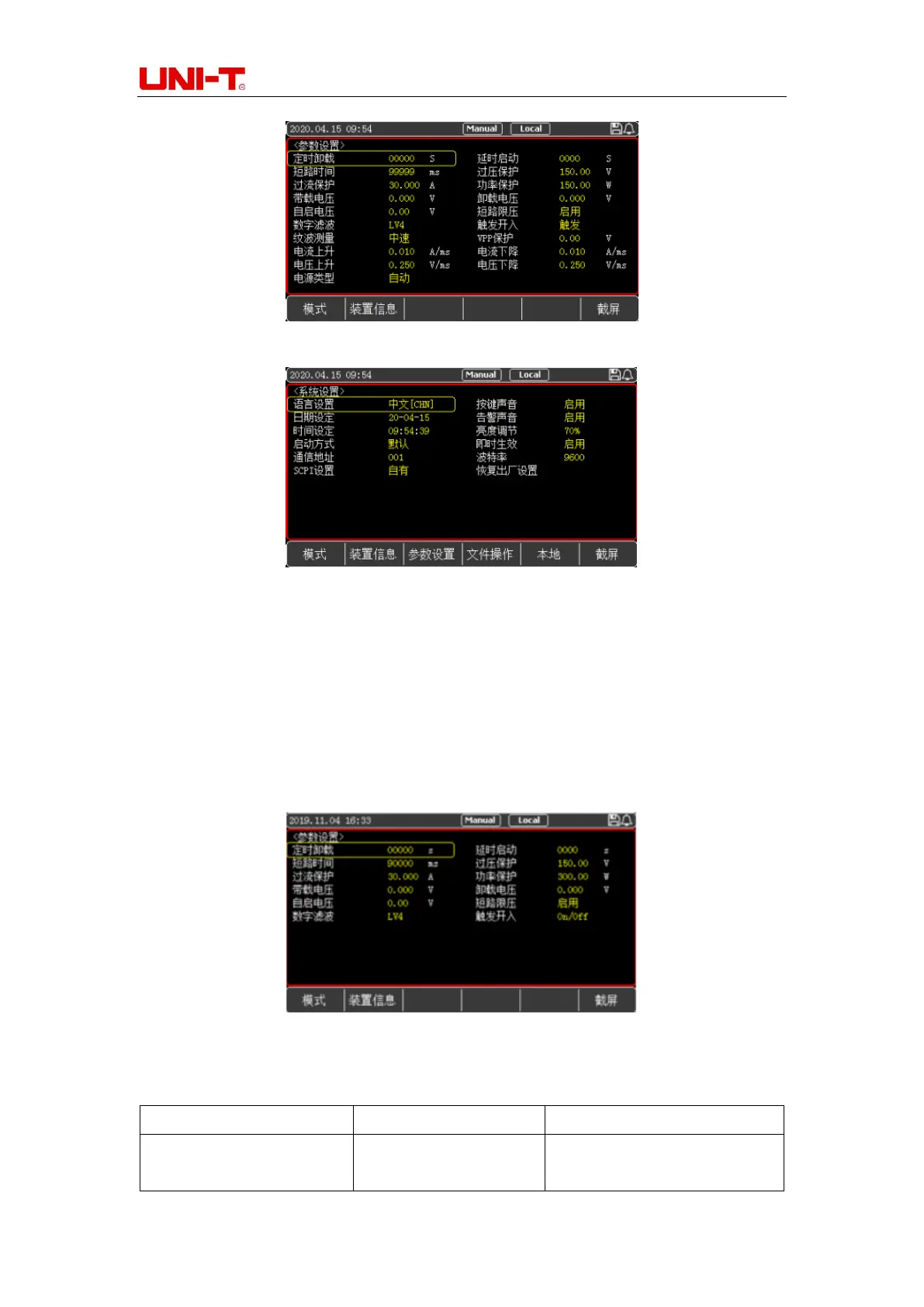
5.2 Parameter Setting
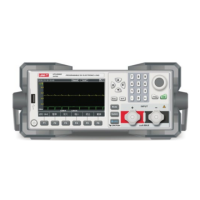
You can enter the system configuration interface by pressing the [System] key, and select
[Para Set] at the bottom of the screen can enter the <PARAMETER SETTING> page, as
shown in Figure 5-2. The parameter setting is used to set the operating parameters and
protection parameters of the system.
Figure 5-2 Parameter Setting Page
Table 5-2 Description of Parameter Setting (UTL8511)
Set the Time for Scheduled
Uninstall


 To Next Page
 Loading...