UTL8500 Series User Manual
9
The list mode comes with storage, and supports the saving and applying of the
external U disk and the upgrade of the U disk system.
Screenshot Function with List Storage & Recall
Equipped with Standard RS232 Interface and Support More Extension Interfaces
(USB or RS-485 Converted by RS-232)
Remote Voltage Compensation Input Function
Configured with Upper Computer Software for Remote Control and Monitoring
Ripple Sampling and Detection Function
Three Dual Tests: CR + CC, CV + CR, CV + CC
OCP/OPP/OVP Test and Load Effect Test
Intelligent Cooling Fan and Power-Down Memory Function
Independent Short-Circuit Test Function (Only for CC/CV/CR/CP Mode)
List Auto-Power-On Function and Over-Voltage Short Circuit
Pause Function in List Mode
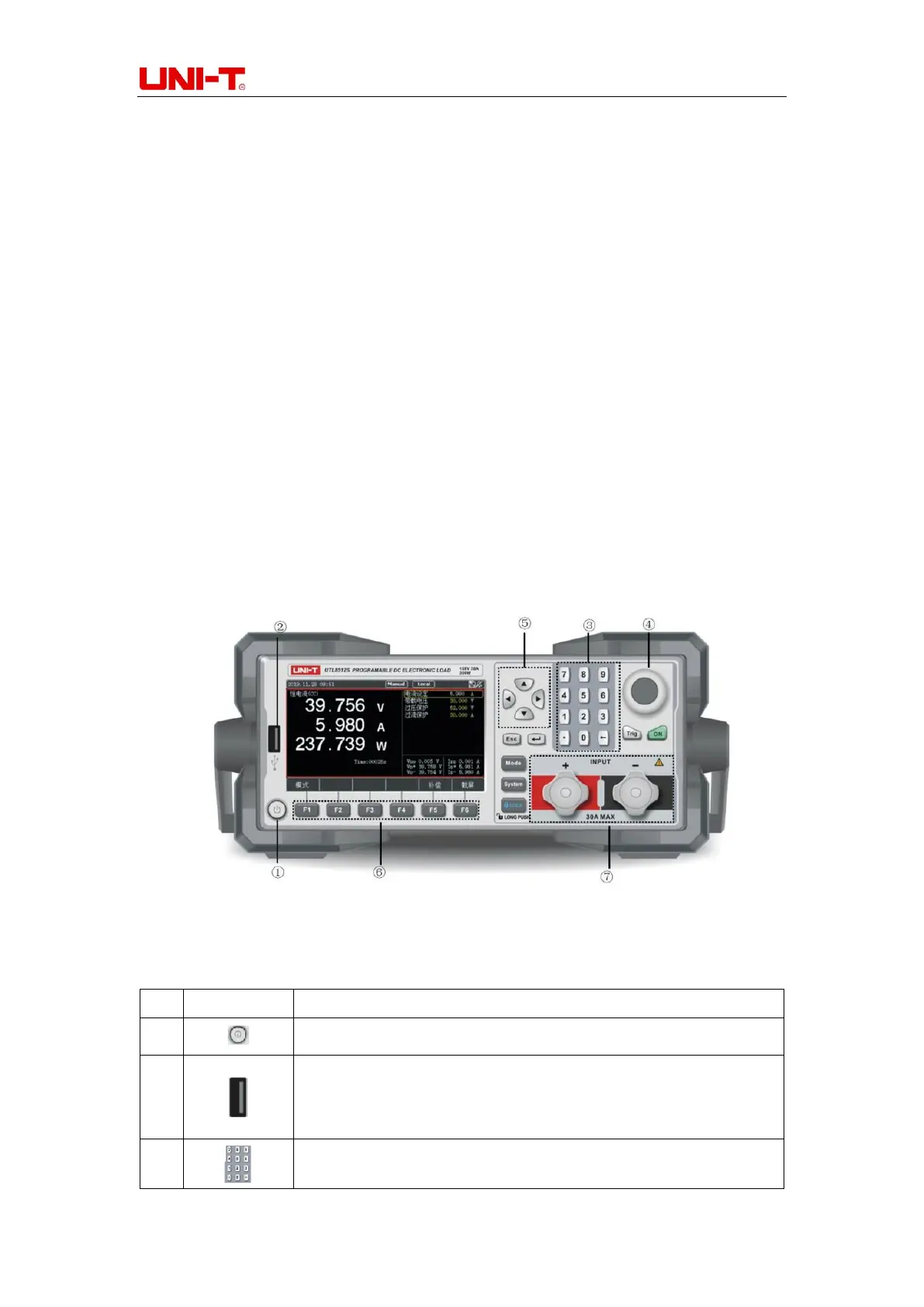
1.2 Front Panel
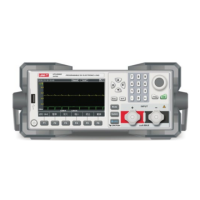
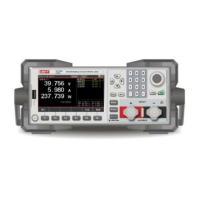
Figure 1-2-1 Front Panel (UTL8512)
Table 1-2-1 Introduction of Front Panel
Power Button: Press It to Power ON/OFF
USB Interface: The user can save the test data and screenshot to
U-disk. It can also be used in list test files storage/recalling and
system upgrade
Numeric Keyboard: It is used to enter numbers and decimal points.


 To Next Page
 Loading...