INSTRUMENTS AND CONTROLSINSTRUMENTS AND CONTROLS
2-132-13
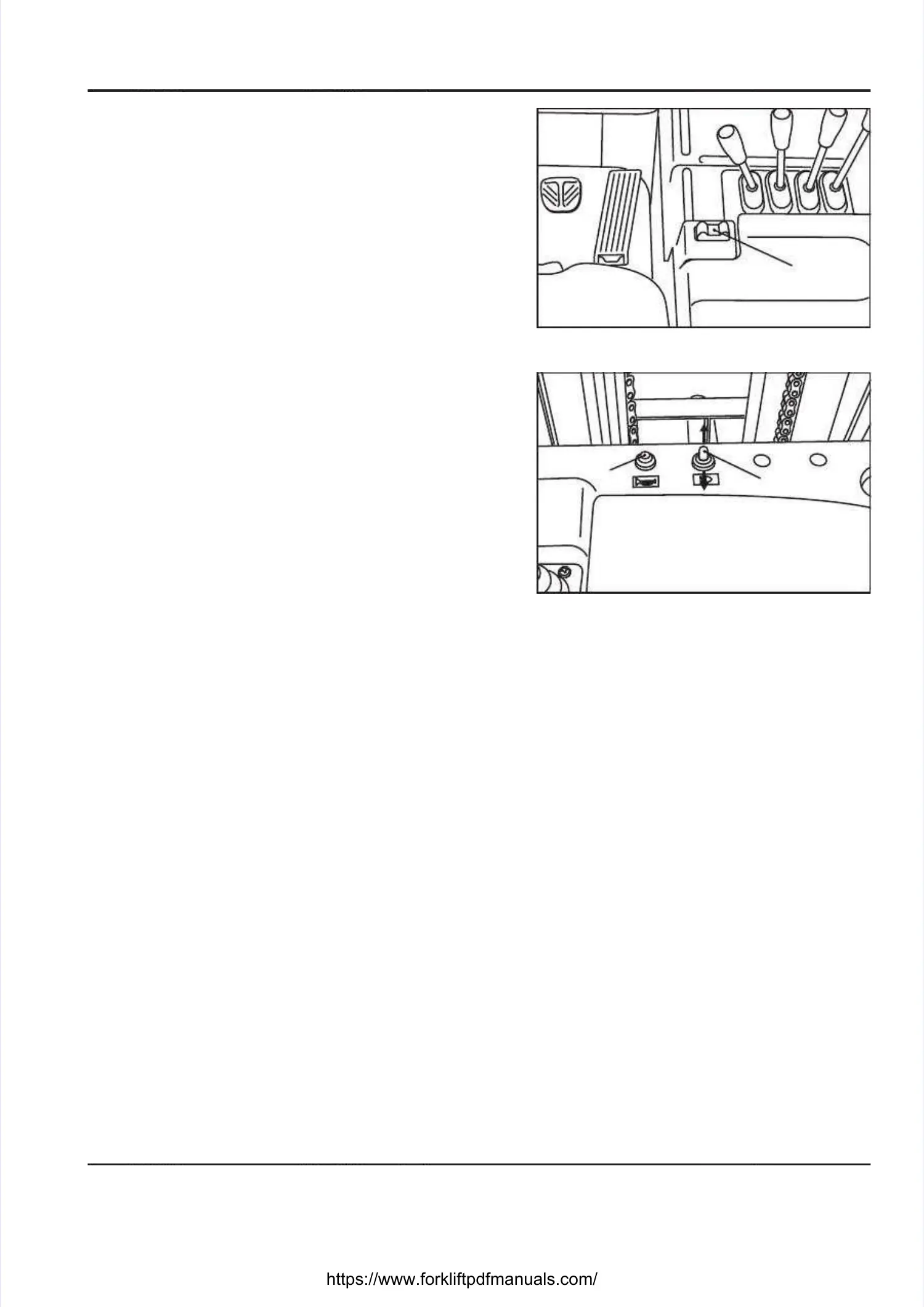
DIRECTION SHIFT SWITCH [1]DIRECTION SHIFT SWITCH [1]
Tilt the switch toward the operator’s seat to travelTilt the switch toward the operator’s seat to travel
forward, and toward the mast to travel in reverse. Theforward, and toward the mast to travel in reverse. The
switch will automatically return to neutral when yourswitch will automatically return to neutral when your
hand is removed. However, the truck will continuehand is removed. However, the truck will continue
moving in the selected direction. Whenever the directionmoving in the selected direction. Whenever the direction
shift switch is placed in the “reverse” position, theshift switch is placed in the “reverse” position, the
backup buzzer sounds.backup buzzer sounds.
HORN SWITCH [2]HORN SWITCH [2]
Press this switch to sound the horn.Press this switch to sound the horn.
The horn sounds regardless of the ON/OFF position ofThe horn sounds regardless of the ON/OFF position of
the key switch.the key switch.
LIGHTING SWITCH [3]LIGHTING SWITCH [3]
Push forward on the Push forward on the switch to turn the switch to turn the work lights on. Twork lights on. Too
turn them off, pull back on the switch.turn them off, pull back on the switch.
The work lights come on regardless of the ON/OFFThe work lights come on regardless of the ON/OFF
position of the key switch.position of the key switch.
11
22
33





 To Next Page