13
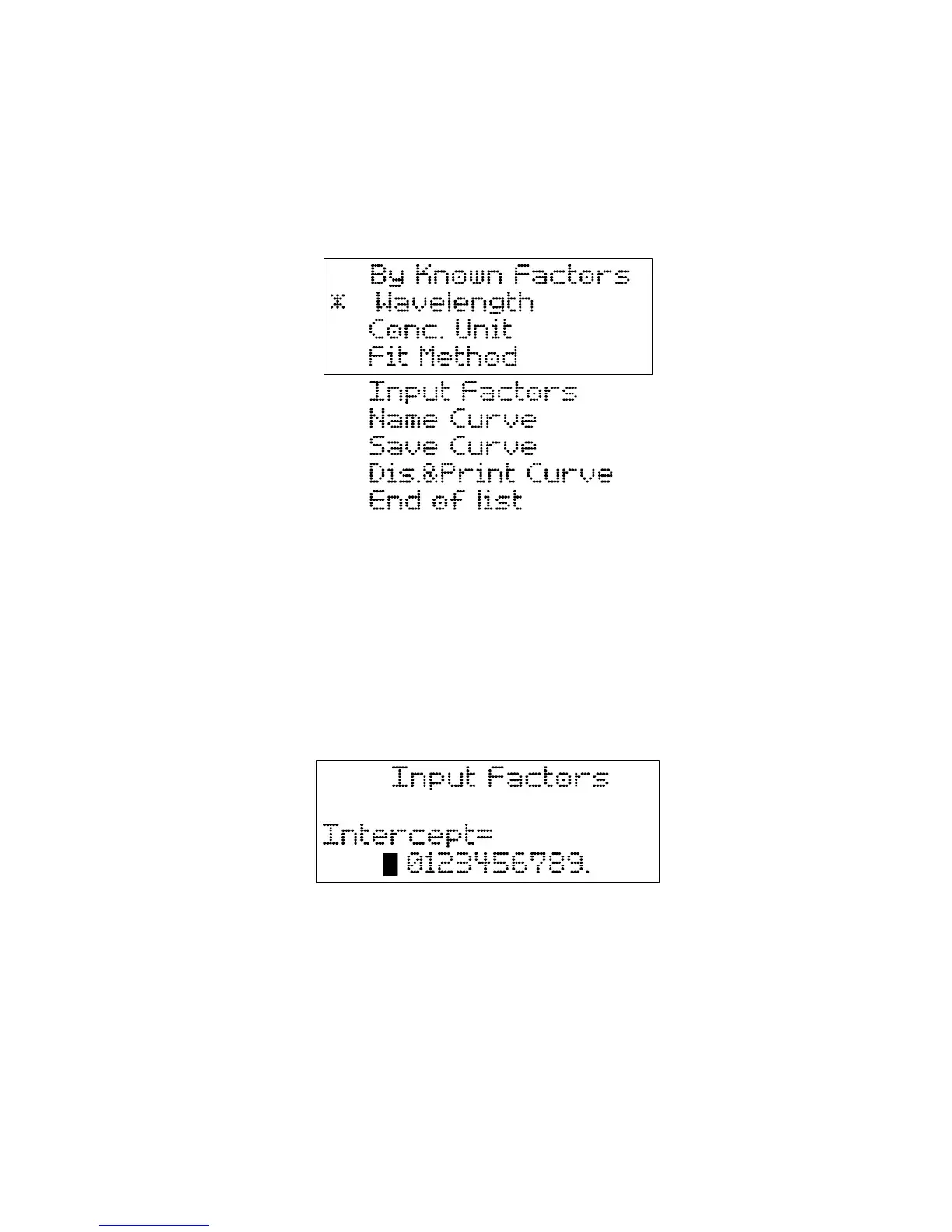
3. Set wavelength by pressing 【∧】,【∨】. Press Enter to confirm wavelength selection
(581nm in this example case). The screen returns to previous menu and the * move to
“Conc. Unit” automatically.
4. Select concentration unit by pressing 【∧】,【∨】. Press Enter to confirm Conc. Unit
selection. The screen returns to previous menu and the * move to “Fit Method”
automatically.
5. Select fitness method by pressing 【∧】,【∨】. Two methods are available:
1st order linear: Concentration = Intercept+ Slope*Absorbance;
1
st
order linear through zero: Concentration = Slope*Absorbance;
Press Enter to confirm fitness method selection. The screen returns to previous menu and
the * move to “Input Factors” automatically.
6. Press ENTER to enter the screen displayed.
Suppose 1
st
order linear fitness method is selected and intercept value is 1.058 and the
slope is 2.588.
7. Enter Intercept and Slope value:
7.1 To select a numerical number move the flashing cursor to that number; The 【∧】scroll
cursor to left; The 【∨】scroll cursor to right;
7.2 Press 【∧】to confirm and enter the number to “intercept” line.

 To Next Page
 Loading...