EasyManua.ls Logo

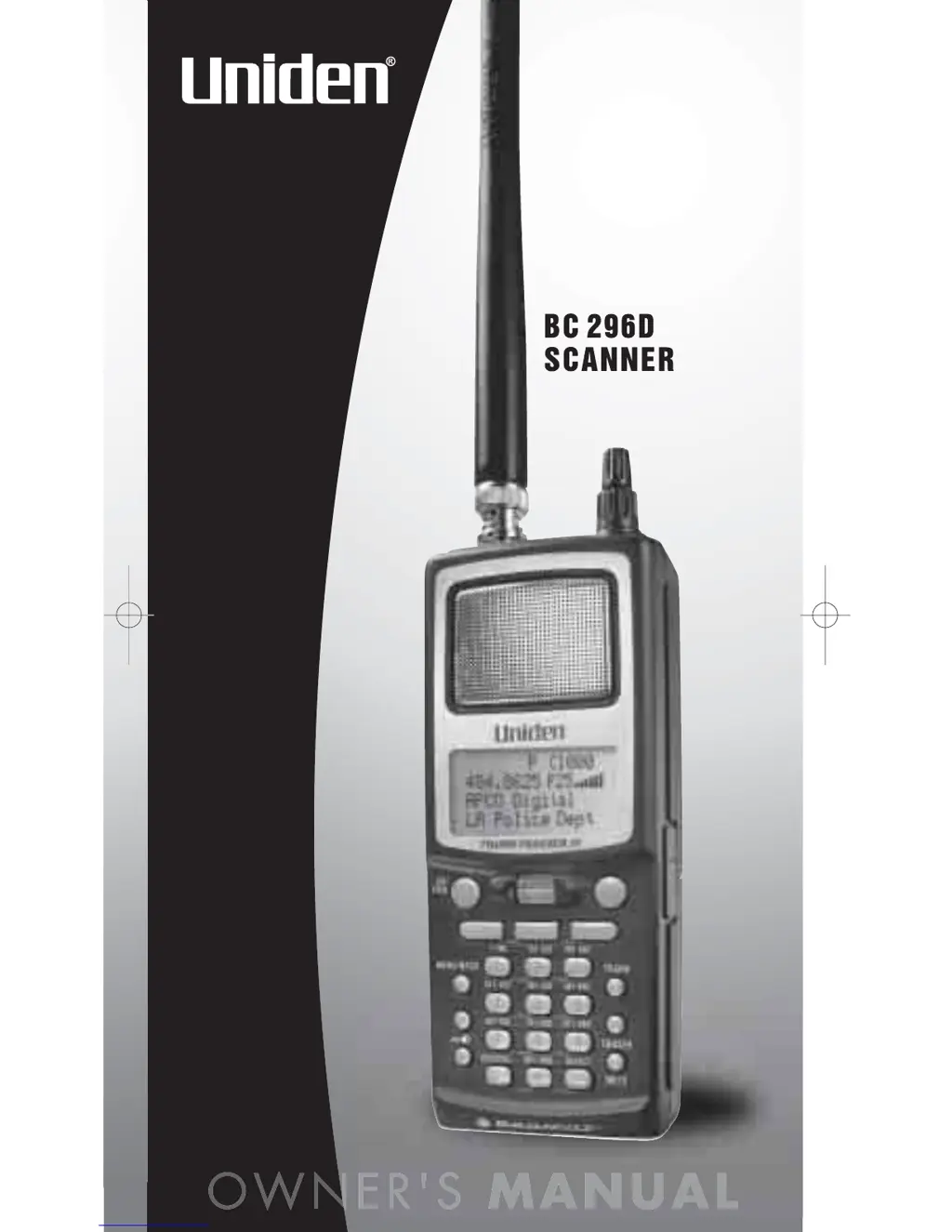
Uniden BC296D - User Manual

Uniden BC296D
88 pages
Print Icon
To Next Page IconTo Next Page
Loading...
BC296D(NEW) 10/16/03 6:46 PM Page i

Table of Contents

Questions and Answers

  • C
    charlene01Sep 8, 2025
    Why are Channel Activity Indicators flashing but no sound is heard on my Uniden Scanner?
    • H
      hwyattSep 8, 2025
      If Channel Activity Indicators are flashing but no sound is heard on your Uniden Scanner, it may be a telephone interconnect call, which are intentionally blocked by your scanner. Also, the ID on your display may not be active.
  • S
    Samuel HarveySep 10, 2025
    Why does Weather Scan not work on my Uniden BC296D Scanner?
    • E
      Elizabeth MillerSep 10, 2025
      If Weather Scan won't work on your Uniden Scanner, adjust the squelch threshold. Check the antenna.
  • M
    Mark MillerSep 12, 2025
    Why won't my Uniden BC296D Scanner track?
    • K
      Kelli TaylorSep 12, 2025
      If your Uniden Scanner won't track, it might be missing the Data Frequency. Try to change to a Type 1 Scanner setup.
  • H
    hernandeztaraSep 13, 2025
    Why won't my Uniden Scanner stop during Scan List mode?
    • J
      Justin LandrySep 14, 2025
      If your Uniden Scanner won't stop during Scan List mode, it may be because no IDs have been programmed, or the IDs you have stored are not active.
  • A
    Amy Hill DDSSep 15, 2025
    Why doesn't APCO P25 CARD status appear on my Uniden Scanner?
    • C
      Christopher HeathSep 16, 2025
      If neither 'APCO P25 CARD INSTALLED 9600 SYSTEM' nor 'APCO P25 CARD NOT INSTALLED' appear when you turn on your Uniden scanner, check to see if the P-25 Card Mode is set to 1:ENABLE or 2:DISABLE in the Menu mode.
  • H
    howelltylerSep 18, 2025
    What to do if 'CARD ERROR' appears on my Uniden BC296D Scanner?
    • K
      kimberlyjonesSep 18, 2025
      If 'CARD ERROR' appears every 10 seconds while you are using the P-25 Card on your Uniden Scanner, try re-installing the P-25 Card.

Summary

Understanding Scanning Technologies

Setting Up Your Scanner

Battery Installation and Charging

Steps for installing and charging the Ni-MH battery pack.

Listening Safely Guidelines

Basic Scanner Operation

Powering On and Setting Squelch

How to turn on the scanner and adjust squelch for clear reception.

Scanning and Locking Channels;Banks

Advanced Scanning Features

Scanner Configuration Options

Trunked System Scanning Features

Talkgroup ID Search and Scan

Finding and monitoring active talkgroup IDs on trunked systems.

Holding and Locking Out Talkgroups

Frequency Searching Techniques

Customizing Search Ranges

Setting up custom search ranges with frequency limits and steps.

Skipping and Storing Frequencies

Automatic Frequency Storage and Tone Searching

Searching for Trunk Systems

Service Search Functionality

Weather Alert and Search Features

Using SAME Weather Alerts

Configuring alerts for specific weather emergencies using SAME codes.

General Scanner Programming Procedures

Programming Conventional Channels

Frequency Entry and Channel Selection

Steps for selecting channels and entering frequencies.

Setting Priority Channels

Programming Trunked Radio Systems

APCO Project 25 Phase 1 Systems

Programming APCO P25 digital trunking systems.

Motorola Trunking System Programming

Programming Motorola Type I, II, and Hybrid systems.

EDACS Trunking System Programming

Programming EDACS Wide, Narrow, and SCAT trunking systems.

LTR Trunking System Programming

Programming Logic Trunked Radio (LTR) systems.

Trunking Delay and I-Call Monitoring

Priority Talkgroups and Multi-Track Scanning

Multi-Track Operational Details

Programming Motorola Systems

Control Channel Programming for Motorola

Efficiently programming Motorola 800/900 MHz systems using control channels.

Programming Digital Trunked Systems

Type 2;Digital 800;900 MHz Systems

Programming Type 2/Digital systems in the 800 and 900 MHz bands.

Type 2;Digital VHF;UHF Systems

Programming Type 2/Digital systems in VHF and UHF frequency bands.

Type I and IIi Hybrid Systems Programming

Programming EDACS Systems

Configuring EDACS Channels

Programming EDACS Wide, Narrow, and SCAT trunking channel data.

Programming APCO 25 Systems

Setting APCO 25 Sound Quality

Adjusting sound quality settings for optimal APCO 25 digital audio.

Programming LTR Systems

Programming Trunk Talkgroups

Storing Known and Found Talkgroups

Adding known talkgroup IDs and saving active ones during searches.

Remote Interface and Cloning

PC Control and Scanner Connectivity

Connecting the scanner to a PC for control and programming.

Troubleshooting Scanner Issues

Uniden BC296D Specifications

General IconGeneral
Banks10 Banks
Memory BackupYes
Modulation TypesAM, FM
TrunkingYes (Motorola, EDACS, LTR)
DisplayAlphanumeric LCD
Power SupplyAC adapter
Battery6 AA Batteries
BandsVHF, UHF
FeaturesPC Programmable
TypeHandheld Scanner
Frequency Range25-1300 MHz

Related product manuals