21
KEY PURPOSE
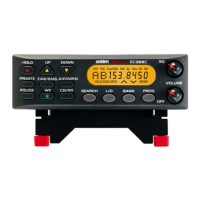
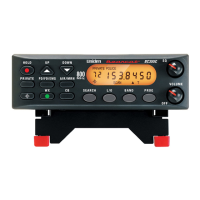
HOLD Press this key to stop scanning or searching
and to remain on the current frequency.
HOLD displays on the screen.
Press HOLD a second time to resume
scanning.
UP and DOWN Press these directional keys to:
Manually search up or down for
frequencies while in Hold mode.
Change direction of a search during
Search mode.
Quickly search up or down for
frequencies (hold UP or DOWN keys
for longer than 1 second) while in Hold
mode.
•
•
•
PRIVATE Scans user-programmed channels
programmed into the PRIVATE bank.


 To Next Page