20
Connect the RED wire of the DC power cord to the accessory
contact in your vehicle’s +13.8 VDC fuse box.
Connect the BLACK wire of the DC power cord to the negative
side of the vehicle (usually the chassis).
Caution: In vehicles with a positive ground, the RED wire
connects to the chassis and the BLACK wire connects to
the accessory contact in the fuse box.
Insert the DC plug into the DC 13.8V jack on the back panel.
SCANNER OPERATION OVERVIEW
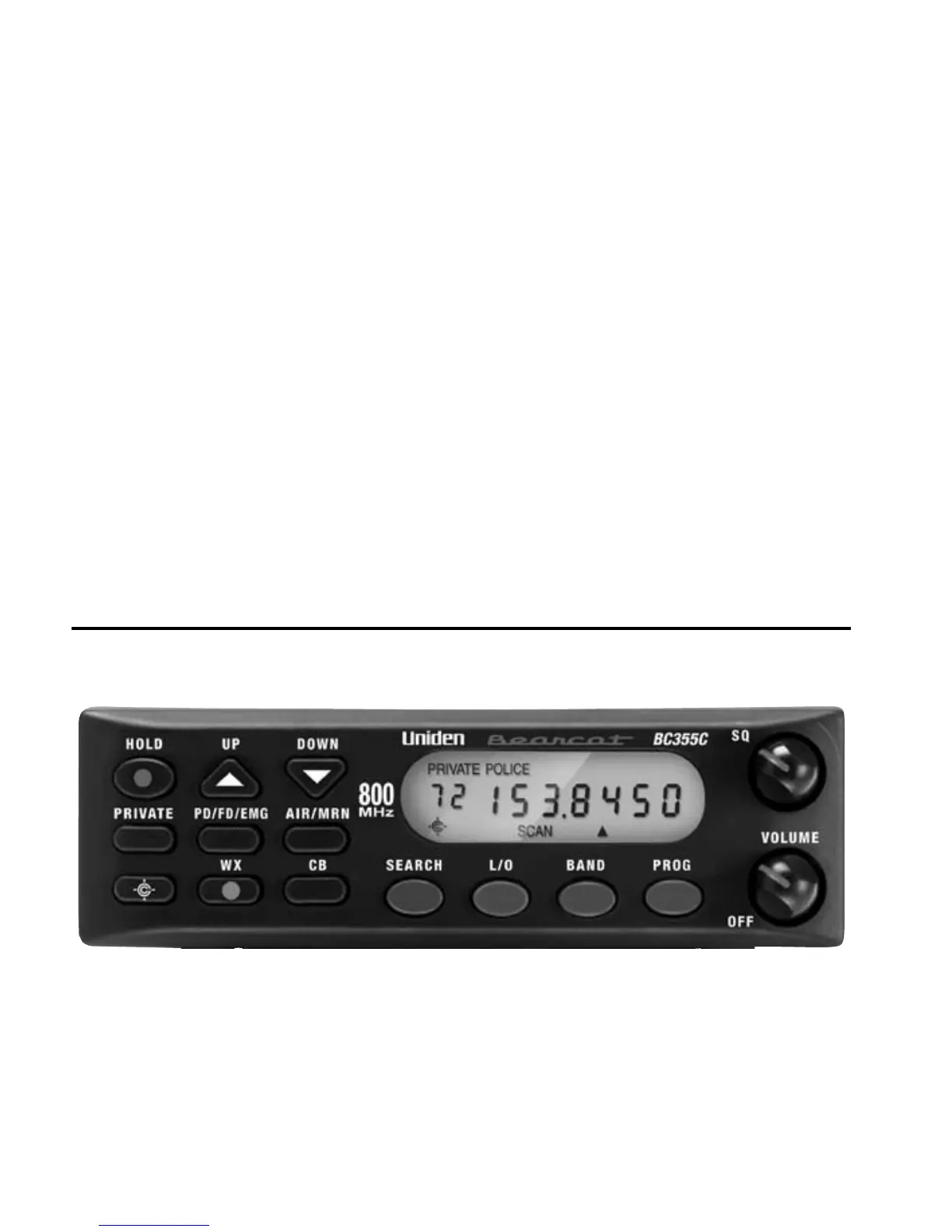
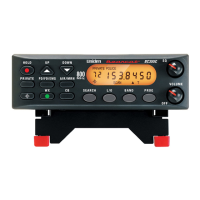
BC355C FRONT PANEL
2.
3.
4.


 To Next Page