29
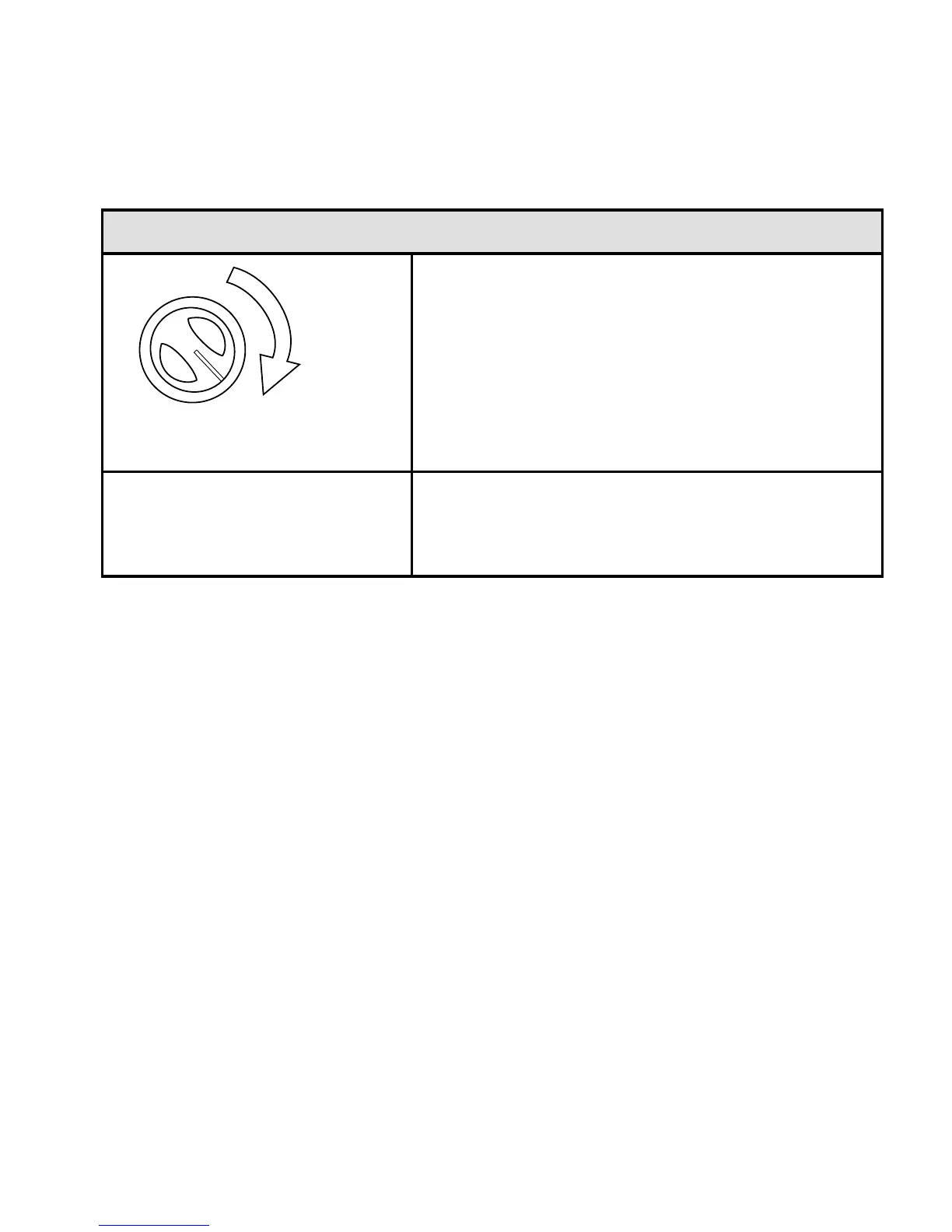
To Adjust Squelch -
Turn SQ clockwise slowly until
the sound disappears. This is
the threshold point at which the
incoming signal is just slightly
stronger than the noise will open
the squelch.
2.
Adjust the volume to a
comfortable listening level.
3.
OPERATING MODES
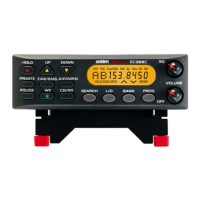
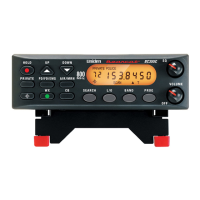
The BC355C operates in two modes - Scan and Search:
SCAN
Scanning allows you to scan through channels in various service
banks.
Press a service bank key (PD/FD/EMG, AIR/MRN, WX, CB, or
PRIVATE) to nd an active frequency within that bank. All
activated banks plus their “private” channels are scanned. Press
other bank keys to add banks to scan.


 To Next Page